
Customers see no time slots. Now what?
Work through the points below in order to find the cause.
Step 1: Have you set any availability?
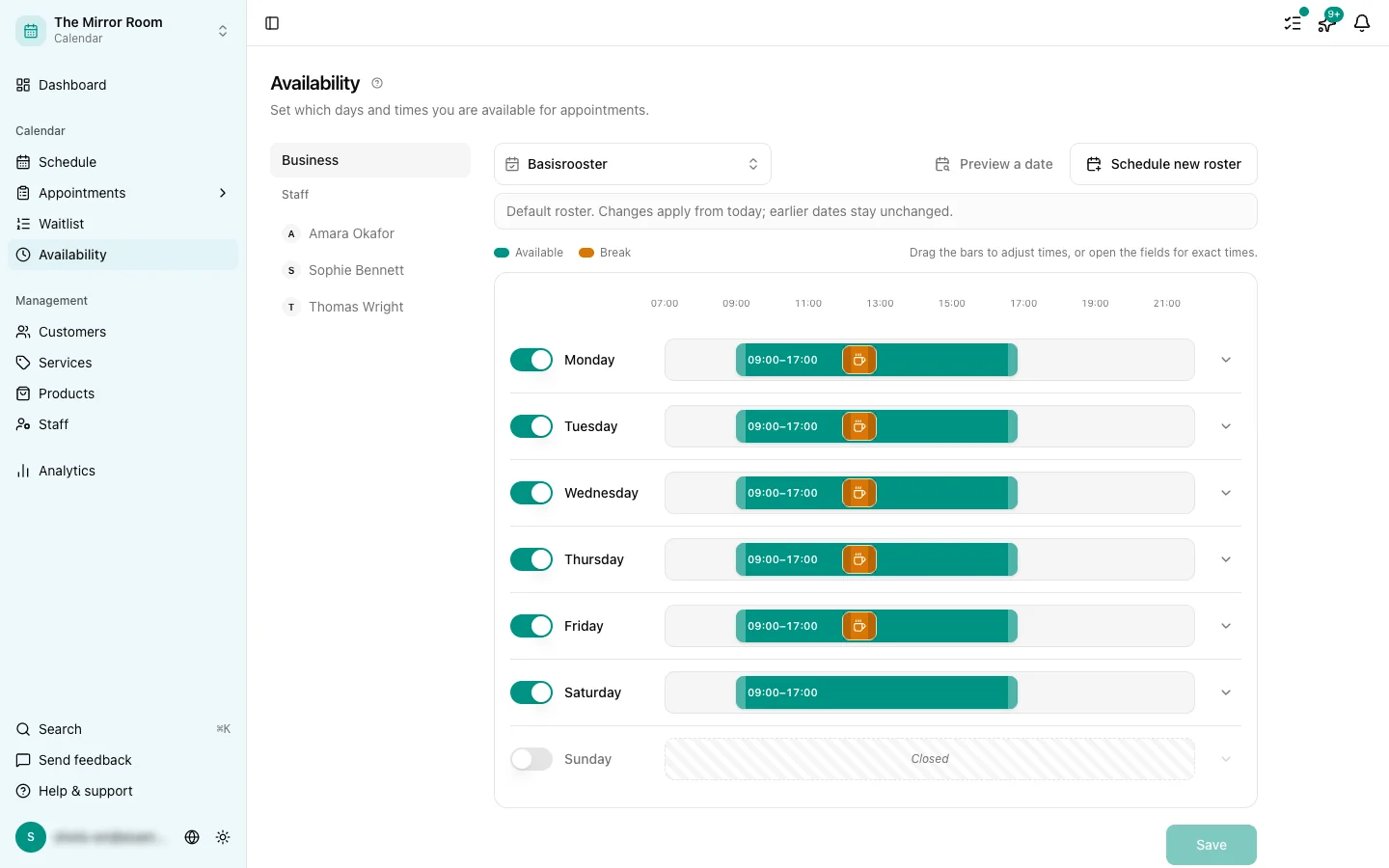
Go to Availability and check that some working days are switched on. With every day off there are no slots to offer.
Set at least one working day with a start and an end time, and save.
Step 2: Is the service active?
Go to Services and check that the service customers are trying to book is active. Inactive services are not shown in the widget.
Step 3: Is the service linked to a staff member?
If you use staff members, the service has to be linked to at least one of them. Go to Staff, click the person and check that the service is in their list.
With nobody linked, no slots can be worked out at all.
Step 4: Is that day already full?
If a day is full of existing appointments, there are no free slots left. Check the Schedule to see what is already booked.
Step 5: Is the time zone right?
A wrong time zone can push slots outside your working hours. Go to Settings > Business and check it.
See also: Why your time zone matters.
Step 6: Are you booking too far ahead?
There may be a limit on how far in advance people can book. Check it under Settings > Widget.
Still no slots?
Get in touch through the feedback button in the sidebar. Say which service and which date you tried.