
Where do I find the widget settings?
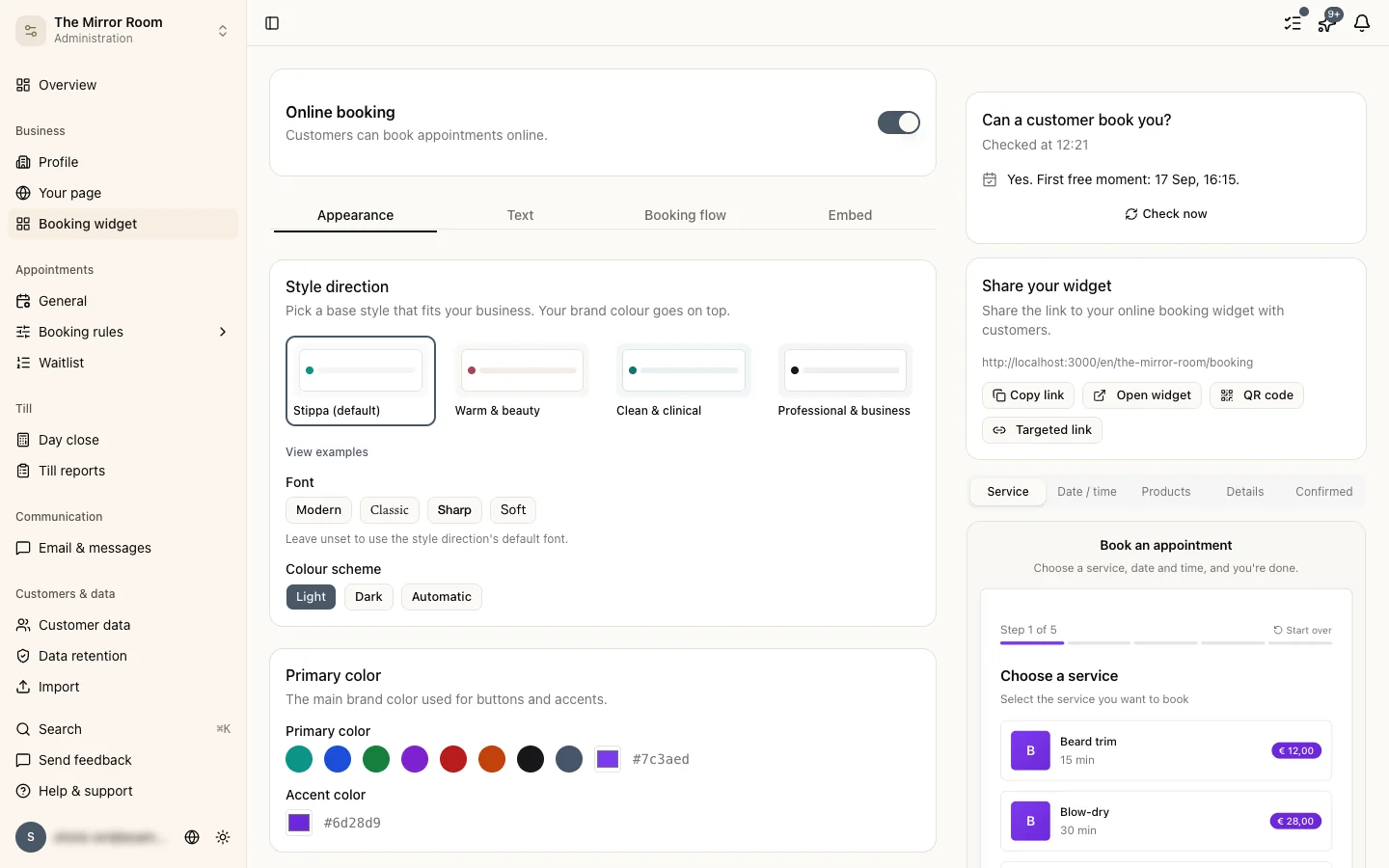
Go to Settings > Widget. Everything you can change about the booking widget is there.
Changing the colours
Under Style you set the widget's primary colour, which is used for buttons and accents.
Enter a hex colour code (#2563EB, for instance) or use the colour picker.
Changing the wording
Under Text you can change the greeting and the other wording customers see:
- The welcome text at the top of the widget
- The button labels
- The confirmation text after a booking
Setting the behaviour
Under Settings you decide:
- The minimum notice, how far ahead somebody must book
- The maximum, how far into the future booking is allowed
- Whether customers can add a note
- Whether customers can pick a particular staff member
Copying the booking link
Only want the direct link, without putting the widget on your site? Copy the booking link at the top of the page and share it as it is.
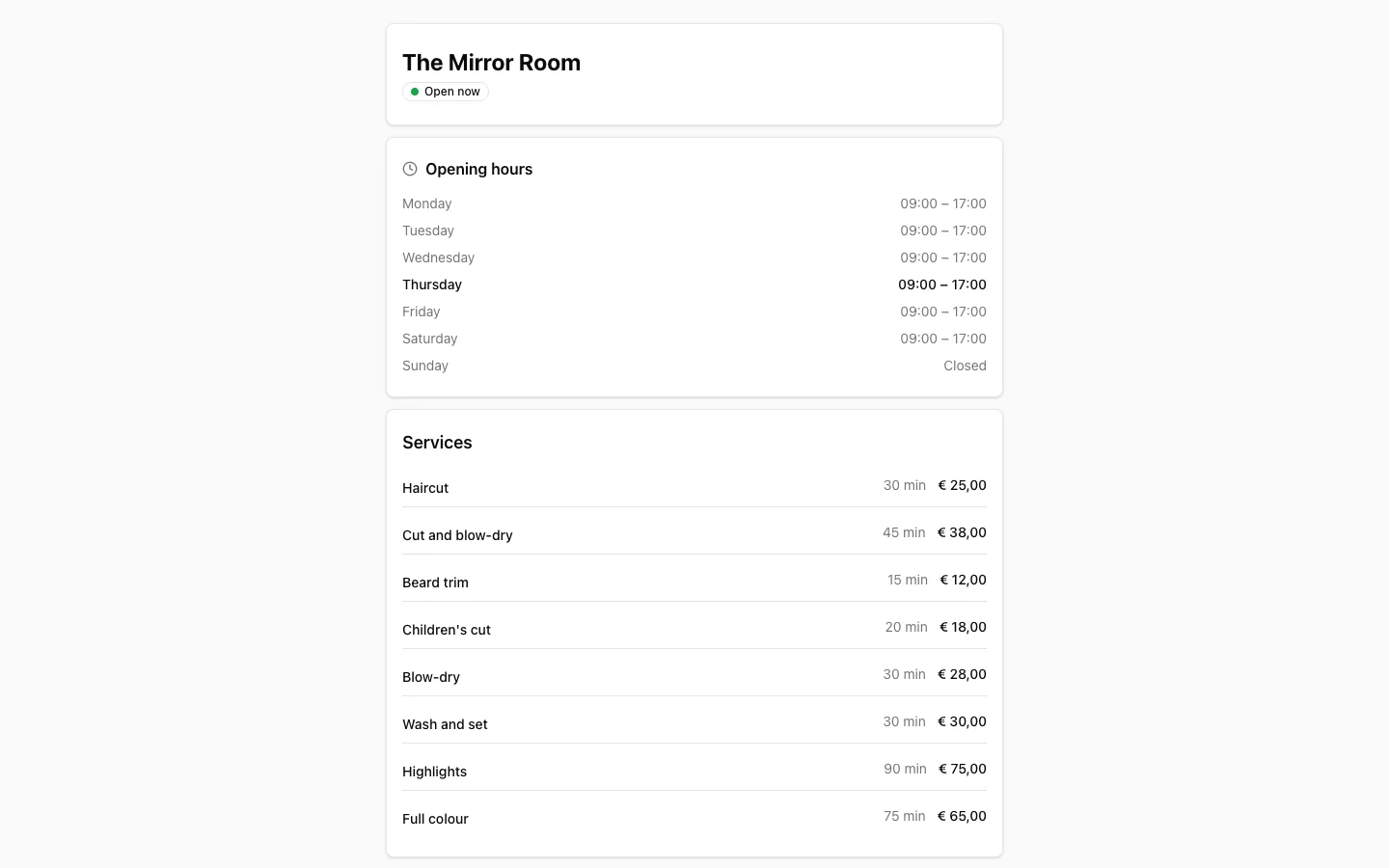
Changes take effect immediately
Save the settings and they appear in the widget and on the booking page straight away. There is no separate publish step.