
Where do I find my booking link?
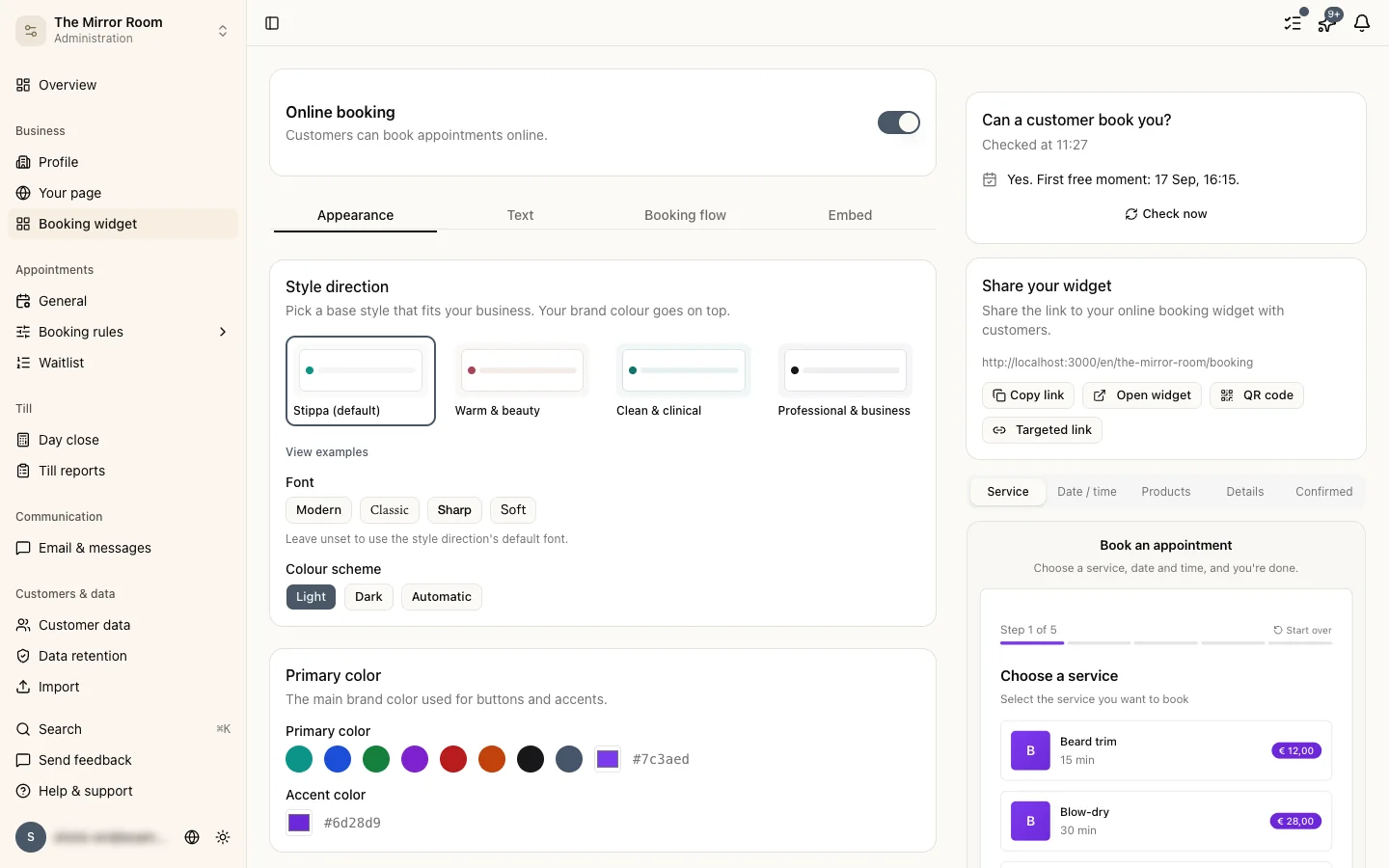
Your booking link is under Settings > Widget. It sits at the top of the page; copy it with the button next to it.
It looks like this: https://stippa.nl/book/your-business-name
How do I share it?
There are plenty of places for it:
- Your website: put the link on a button or in a menu
- Instagram bio: add it as your profile link
- WhatsApp Business: put it in your away message or your profile
- Email signature: add a "Book an appointment" link
- Google Business Profile: add it as the booking button
- On paper: under Settings > Widget > QR code you can download an A4 poster, or a sheet of 8 cards for the mirror or the counter
Embedding the booking widget in your website
Want customers to book without leaving your site? Use the embed code.
- Go to Settings > Widget
- Scroll to the Embed widget section
- Copy the
<script>and<div>code - Paste it into your website's HTML, where the widget should appear
The widget fits itself to the width of the page.
Can I change the booking link?
For now the URL is based on your business name. You can change that under Settings > Business, and the link follows automatically.
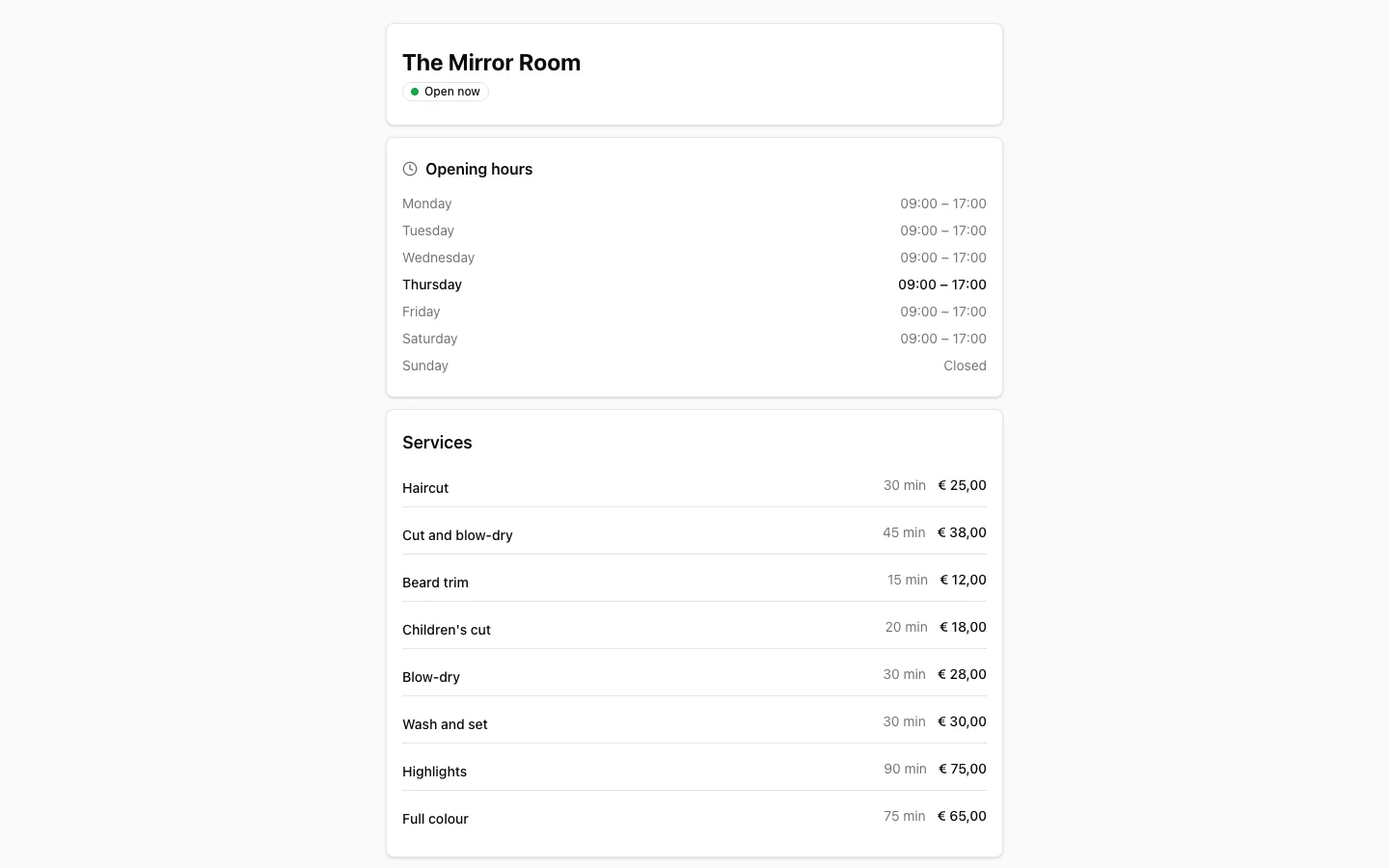
What the booking page looks like to a customer
Restyling the widget
You can change the widget's colours to match your own branding, under Settings > Widget > Style.