
What is the public profile?
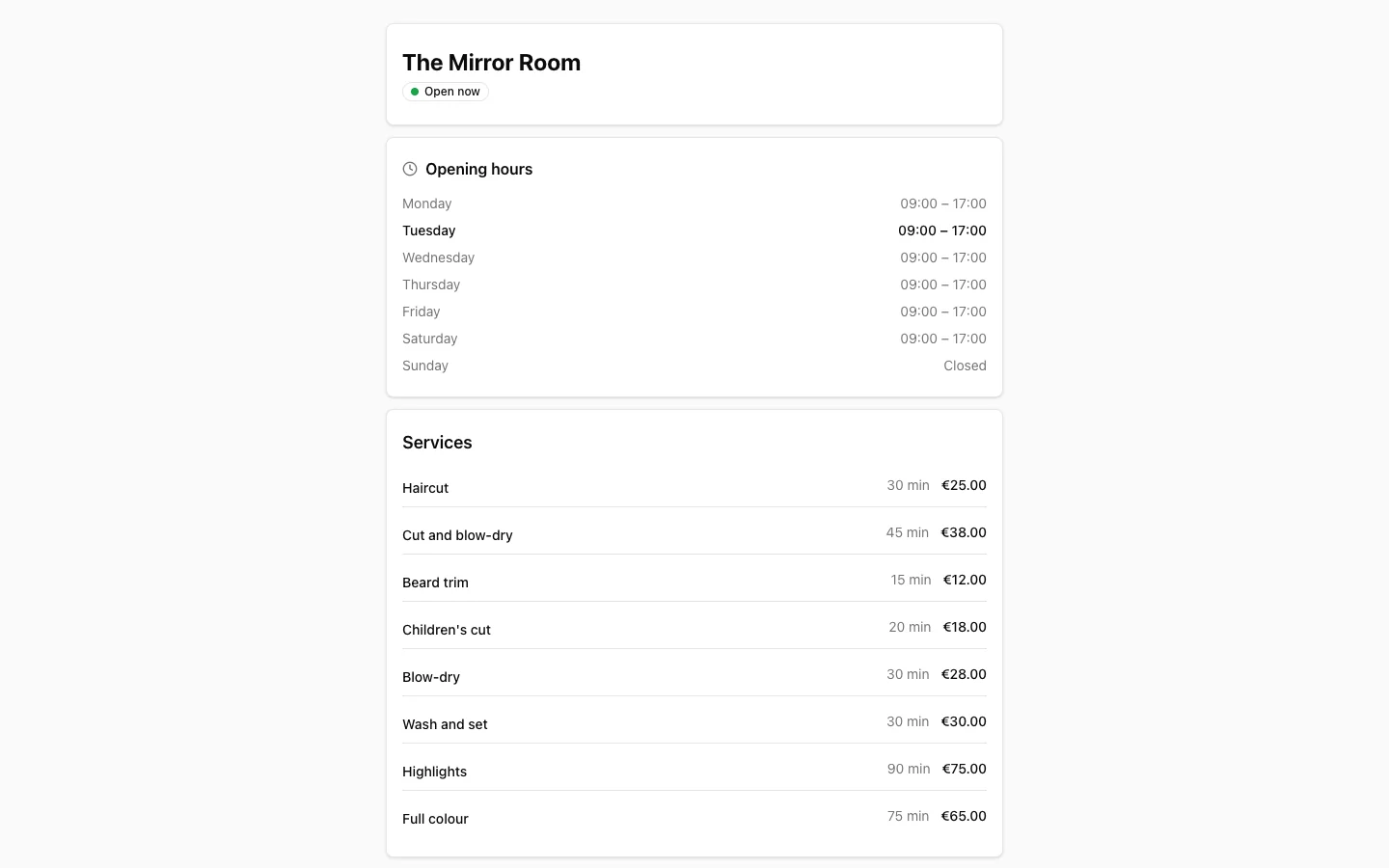
The public profile is the page customers see when they click your booking link. It shows your business name, a short description, your address and your booking widget.
Where do I set it up?
Go to Administration > Profile. You'll find it in the sidebar under Business. You land on the Business profile tab. Next to it is Languages, where you choose which languages your page and widget are shown in.
What can you set?
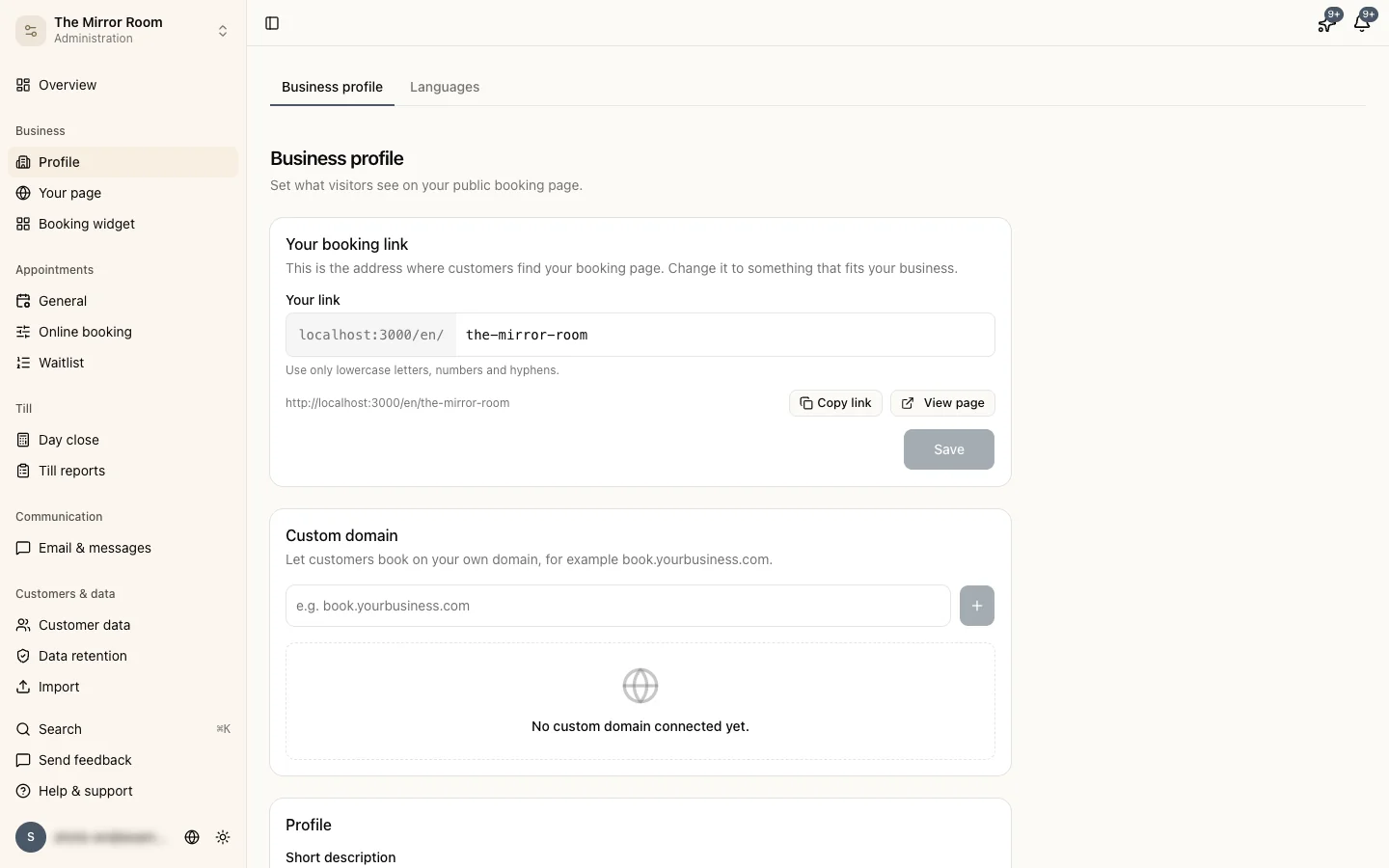
- Your link: the address of your page. See below.
- Custom domain: see below.
- Profile: a Short description of up to 100 characters, shown right under your business name, and About us, a longer text of up to 500 characters about your business, your specialities and what customers can expect.
- Location: your address. With Show map on profile page, a Google Maps map appears below it.
- Online presence: links to your Website, Instagram and Facebook.
- Details printed on the receipt: your VAT number and Chamber of Commerce number. They appear on the receipt your customer gets, together with your address. They don't appear on your public page.
Save your changes with the save button at the bottom. You don't set your logo here but under Administration > Booking widget, on the Appearance tab.
Your booking link
Under Your link you change the unique part of your booking URL, for example /kapper-anna. Use only lowercase letters, numbers and hyphens.
Note: if you change your link, links and QR codes you shared earlier with your old address stop working. Share the new link through your Instagram bio, your website or WhatsApp.
Custom domain
With Custom domain, customers book through your own address, for example book.yourbusiness.com. This comes with Groei and higher.
- Enter your domain and add it.
- Stippa shows a DNS record. Add it at your domain provider, or ask your web developer to do it.
- Click Check status. DNS changes can take up to an hour.
If you have more than one domain, pick one with Set as primary. Visitors to the other domains then end up there automatically.
Being found on Google
Your booking page has its own address that search engines such as Google index. A full description and your address make it more likely that customers find you. Stippa adds the right details for search engines and social media to your page itself.
Stippa builds the title in the search results from your business name, your type of business and your town, for example "Kapper Anna | Kapper in Utrecht". If you want a different title, enter it under Administration > Your page, on the Search engines card, under Title in search results. You can do that per language, up to 70 characters, and you see a preview straight away. Google shows about 60 characters and cuts off the rest.