
What is a slot interval?
The slot interval sets the fixed steps a customer can book between. With a 30-minute interval and availability from 09:00 to 17:00, a customer sees:
09:00, 09:30, 10:00, 10:30, ... , 16:30
The default
The slot interval is 15 minutes by default. That works well for short services.
How do I change it?
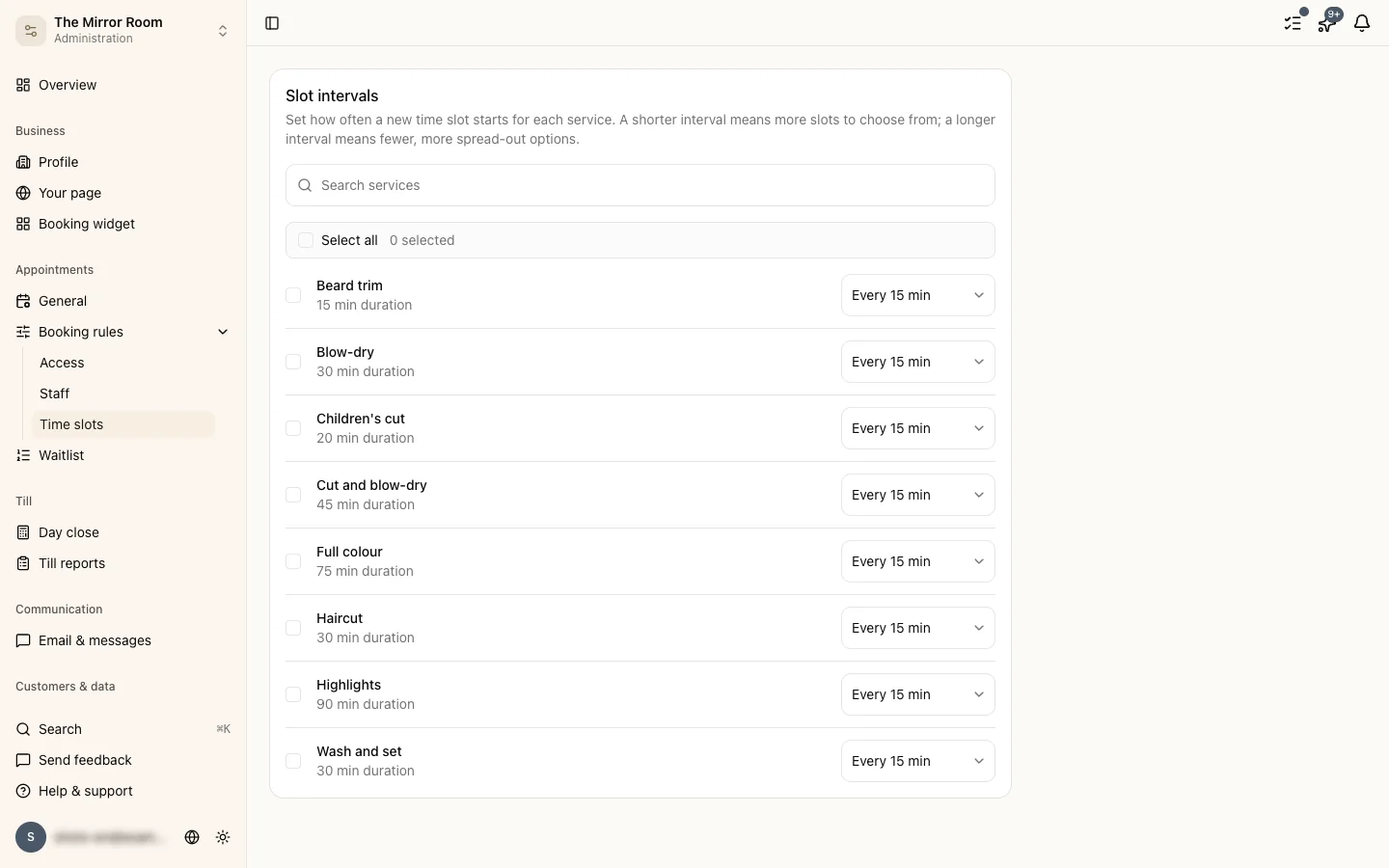
Go to Availability and pick the slot interval from the dropdown at the top of the page.
The options are 10, 15, 20, 30, 45 and 60 minutes.
Which interval should I pick?
Pick one that suits how long your services take:
- A 30-minute service: pick a 30-minute interval
- A 60-minute service: pick a 60-minute interval
- A 45-minute service: pick 15 or 45 minutes, depending on how much flexibility you want
A smaller interval gives customers more options, but it can leave gaps in your day when services do not fit the interval exactly.
What if my services are different lengths?
The interval decides the start times only. An appointment blocks out however long it really takes, whatever the interval is.
For example: a 90-minute service with a 30-minute interval. An appointment at 10:00 blocks until 11:30, so the next slot on offer is 11:30.