
Why link staff to services?
Once you have staff members, every service has to be linked to at least one of them. Customers can pick a staff member when they book, and the time slots on offer are then decided by that person's availability.
If no staff member is linked to a service, no time slots appear for that service in the booking widget at all.
Step 1: Open the staff member, or the service
You can set the link up from either side:
- From the staff member: go to Staff, click somebody, open the Services tab
- From the service: go to Services, click a service, open the Staff section
Step 2: Add the link
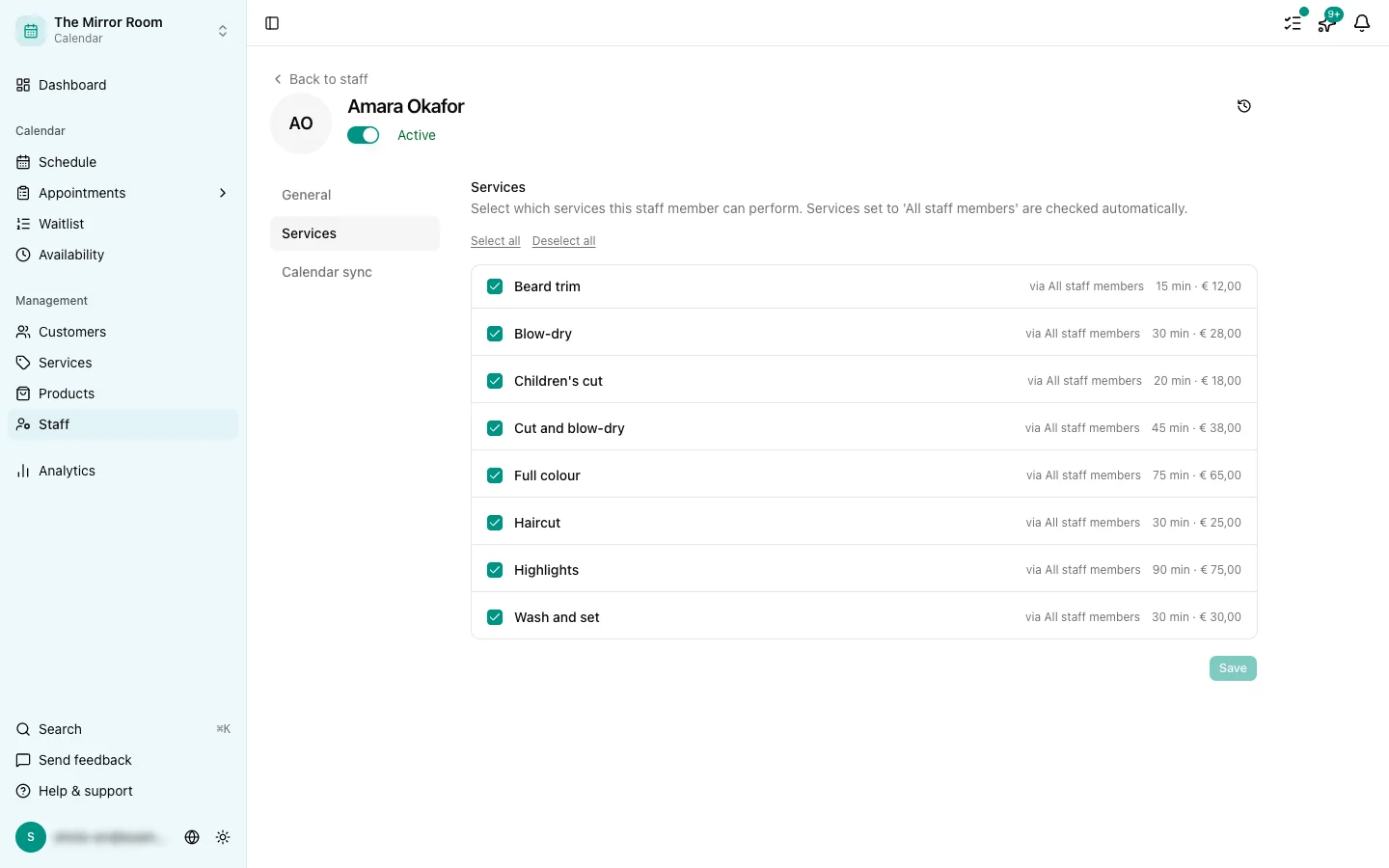
Click Add service (from a staff member) or Add staff member (from a service) and pick the one you want.
Step 3: Save
Save your changes. The link takes effect straight away.
What if a customer picks no staff member?
If the customer has no preference, the booking widget offers the slots where the first staff member available for that service is free.
Removing a link
Click the link and choose Remove to unlink a staff member from a service.