
What is a staff member in Stippa?
A staff member is somebody in your business who carries out appointments. Staff members can be linked to services, so that a customer booking online can pick the person they want to see.
A staff member does not need a login account.
Step 1: Go to Staff
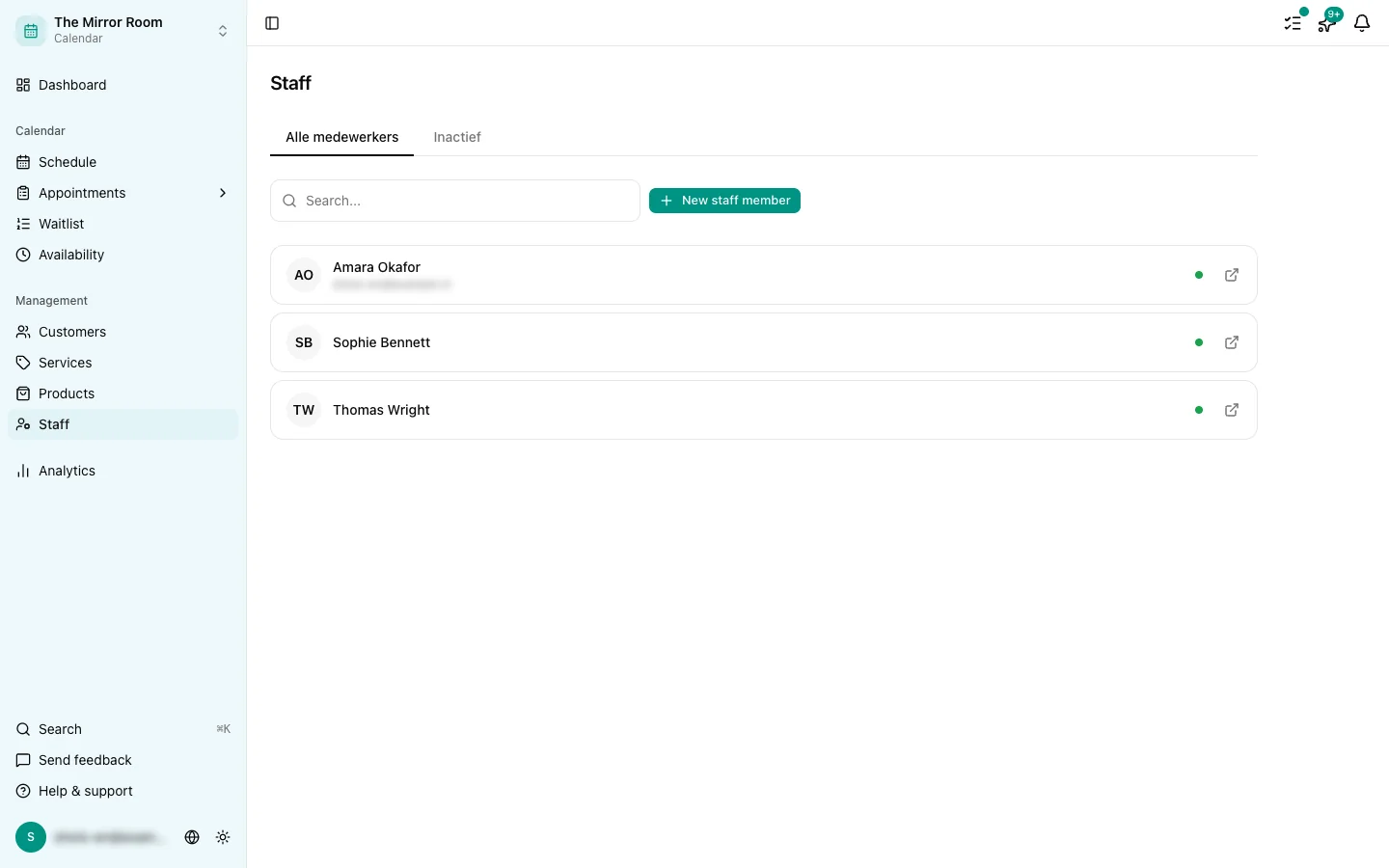
Go to Staff in the menu and click New staff member.
Step 2: Fill in their details
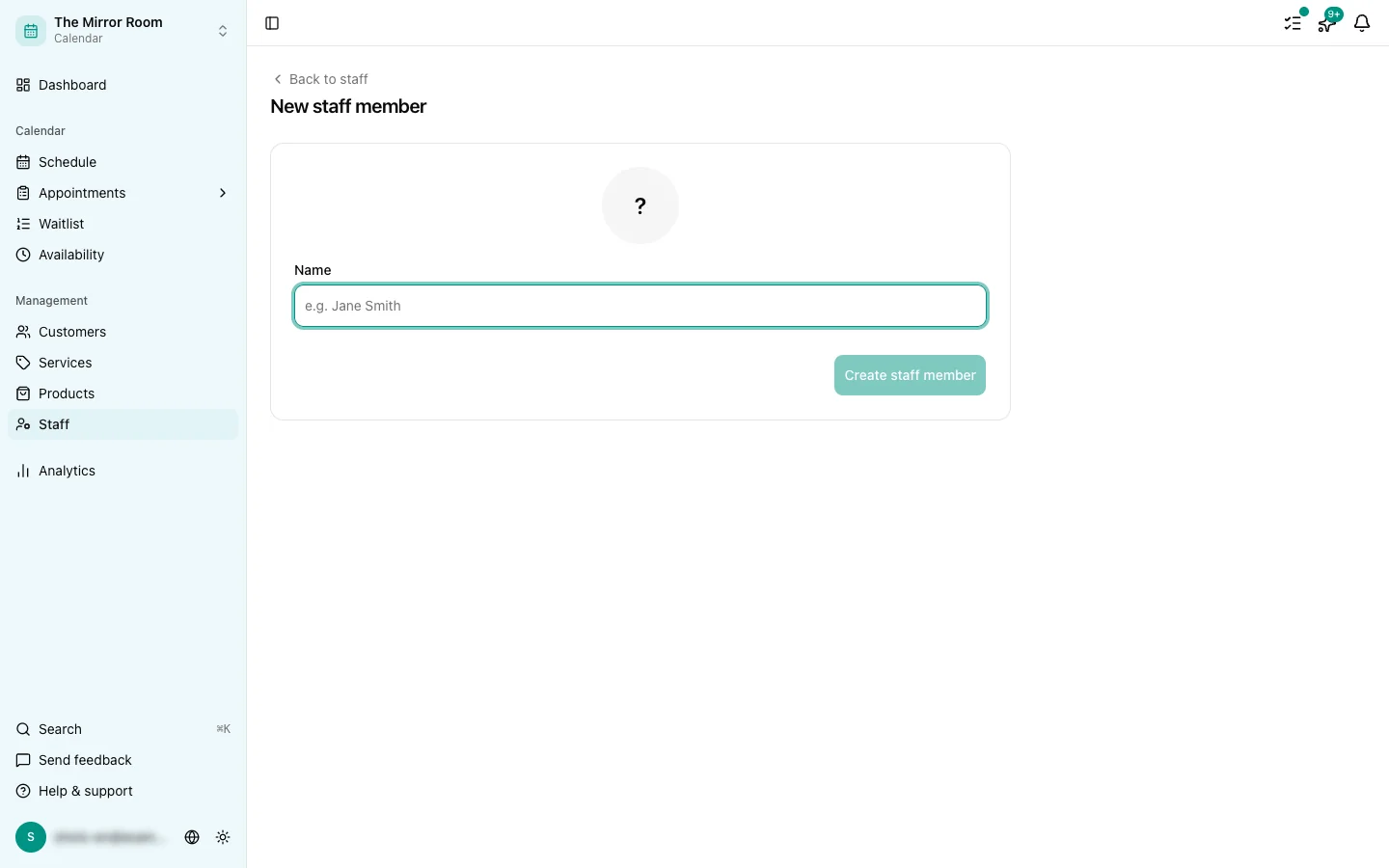
Enter their name, and optionally an email address and phone number. Pick a colour as well: that is how this person appears on the schedule.
Step 3: Link them to services
Link the staff member to one or more of the services they can carry out. See also: Linking staff to services.
Step 4: Set their availability
Set this person's working hours on the Availability tab of their staff page.
Editing or deleting a staff member
Click a staff member to edit their details. Click Delete to remove them. Appointments that already exist stay where they are.
The limit on staff members
How many staff members you can have depends on your plan. See also: Plans and limits.