
The three roles in Stippa
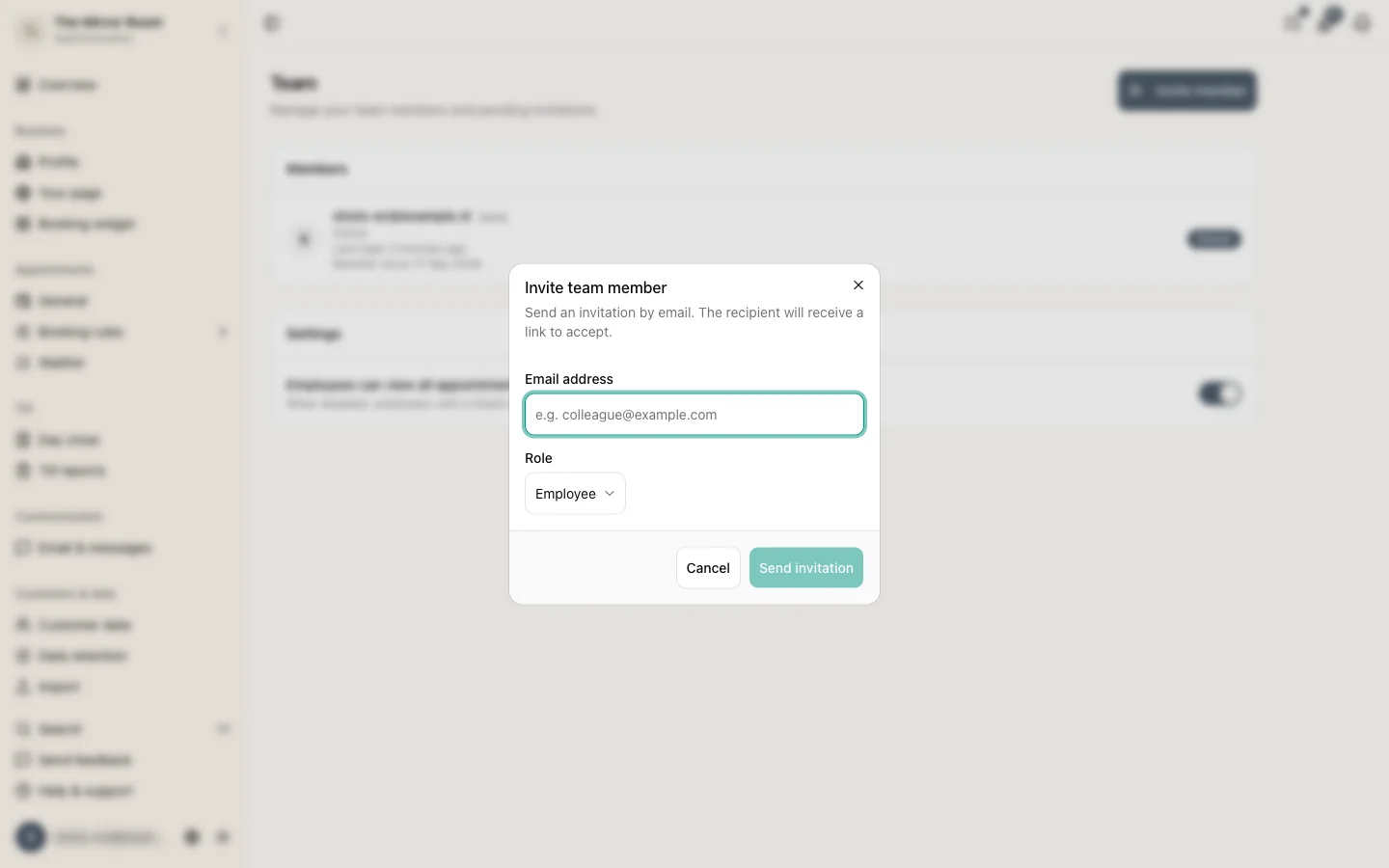
Every team member has one of three roles: owner, admin or employee. The role decides what that person can see and do in the dashboard.
Overview
| Action | Owner | Admin | Employee |
|---|---|---|---|
| View appointments | Yes | Yes | Yes |
| Create appointments | Yes | Yes | No |
| Edit appointments | Yes | Yes | No |
| Cancel appointments | Yes | Yes | No |
| View customers | Yes | Yes | Yes |
| Manage customers | Yes | Yes | No |
| Manage services | Yes | Yes | No |
| Add staff members | Yes | Yes | No |
| Delete staff members | Yes | No | No |
| Change settings | Yes | Yes | No |
| Manage the subscription | Yes | No | No |
| Issue refunds | Yes | Yes | No |
Owner
The owner has full access to everything, including managing the subscription, deleting the account and appointing other owners. There is always exactly one owner per account.
Admin
An admin can do almost everything an owner can, but cannot change the subscription and cannot remove an owner.
Employee
An employee has read access only. They can look at appointments and customers, but cannot create or change anything. This suits staff who want to follow the schedule without needing management access.
Changing somebody's role
An owner or an admin can change a team member's role under Staff. Click the person and pick another role from the dropdown.