
Why set it per person?
With several staff members, each of them may work different hours. Stippa takes that into account: a customer only sees slots where the person they picked is available.
Step 1: Go to the staff settings
Go to Staff and click the person whose availability you want to set.
Step 2: Open the Availability tab
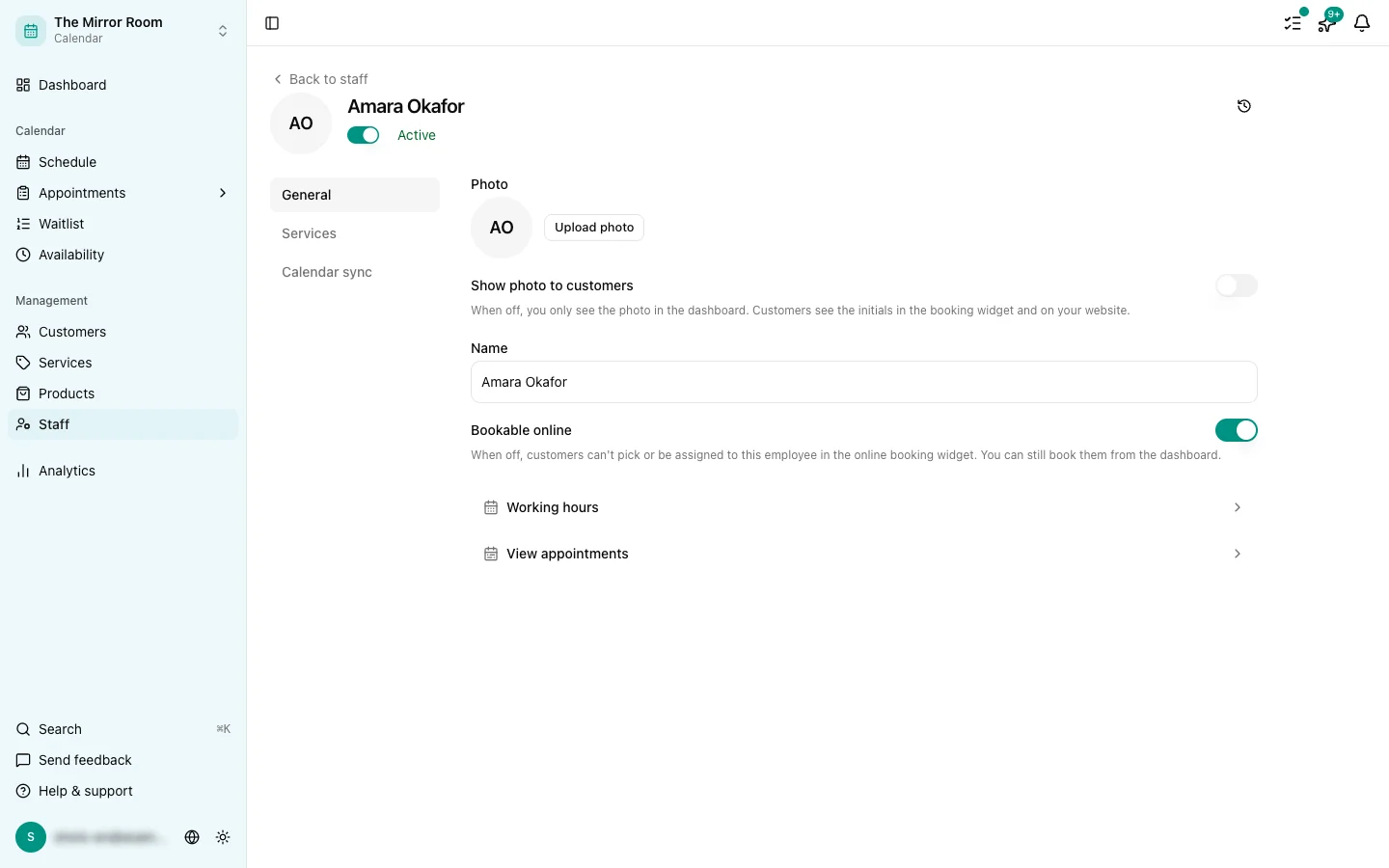
You will find an Availability tab on their page. Set their working hours here, exactly as you do for the business as a whole.
Step 3: Set the working hours
Switch the working days on, set a start and an end time, and save.
How does this work with the business availability?
A staff member's availability sits on top of the business availability. When the business is closed, on a public holiday for instance, nobody is available either.
When somebody works fewer hours than the business is open, only their own hours can be booked with them.
A staff member not linked to the service
If a customer picks a service with nobody linked to it, they see no slots at all. Make sure every service has at least one staff member linked to it. See also: Linking staff to services.