
What are schedule exceptions?
A schedule exception says that on one particular date you are available differently from usual. Use them for:
- Holidays
- Public holidays
- Extra availability on a day you are normally closed
Step 1: Go to Availability
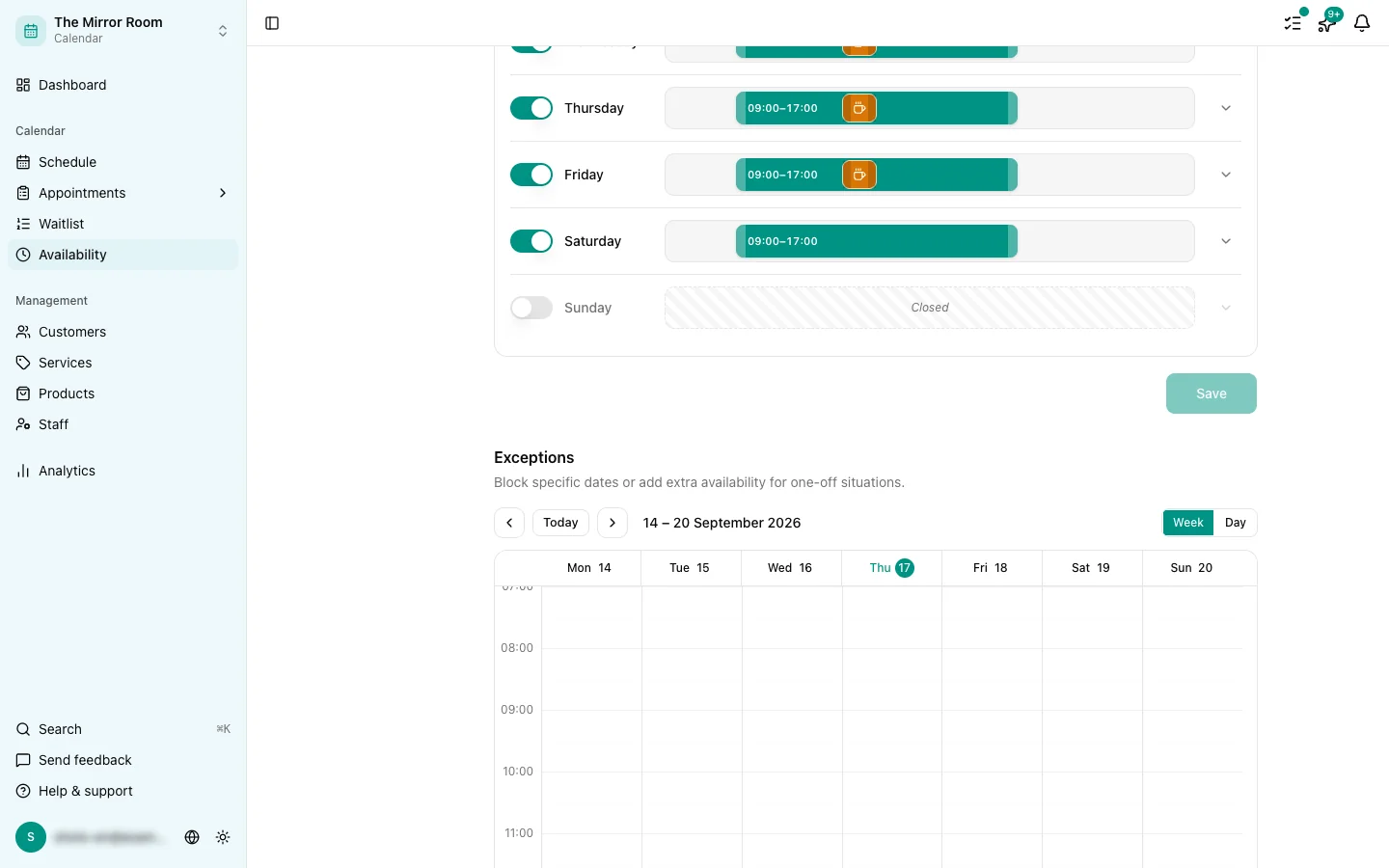
Go to Availability and open the Exceptions tab.
Step 2: Add an exception
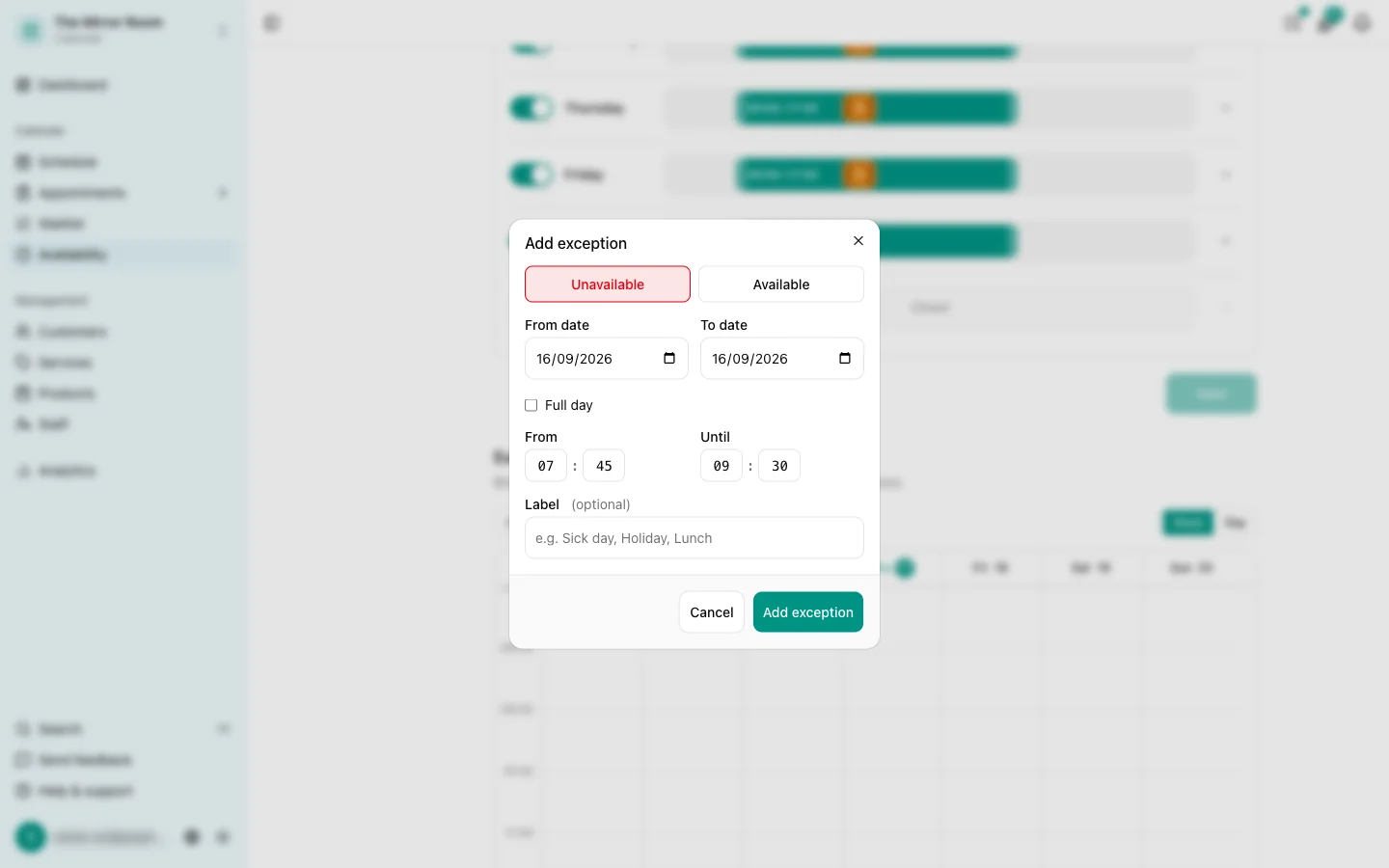
Click Add exception. Pick the date and say what the exception is:
- Closed all day: you are not available that day
- Custom hours: you work different hours from usual
Step 3: Save
Save the exception. The date is updated in the booking widget straight away.
Repeating it over several days
Away for several days in a row? Add an exception for each day separately, or one exception per week.
Viewing and deleting exceptions
Every exception you have planned is listed on the Exceptions tab. Click one to edit or delete it.
Existing appointments are not cancelled automatically
If you add an exception for a day that already has appointments on it, those appointments are not cancelled. You have to deal with them yourself and let the customers know.