
You manage your subscription under Administration > Subscription. Only the owner of the business can change anything there.
My trial has run out
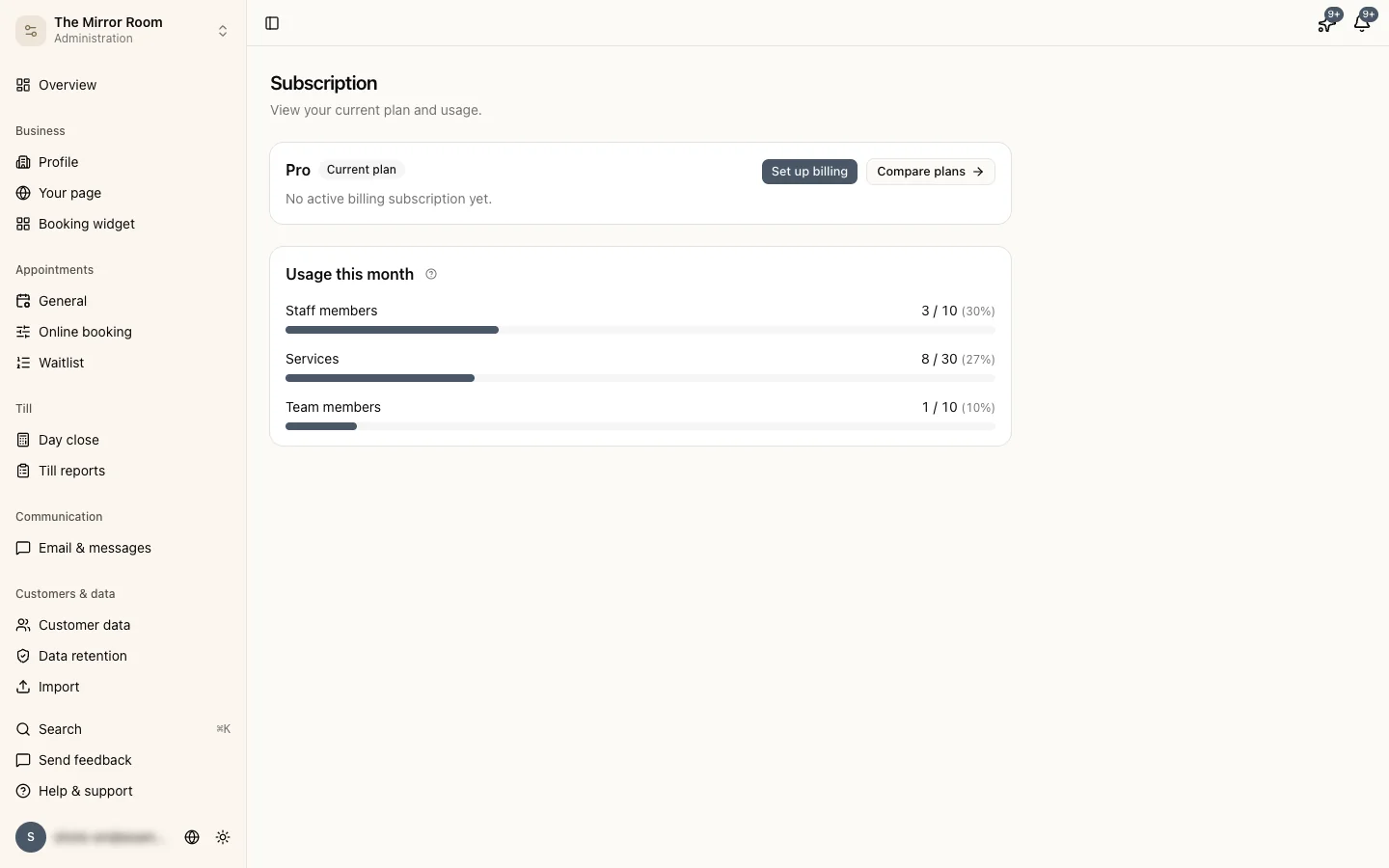
The trial lasts 31 days. If it ends without you setting up a payment, a red bar appears at the top of the dashboard. You can still see all your data, but you can't add staff members, services or team members, and your plan's features are switched off.
Click Set up billing in the bar, choose a plan and fill in your payment details. After that everything works as before.
A payment failed
After the first failed payment you get seven days to sort it out. You get an email, and the top of the dashboard shows the date your access runs out.
- Click Update payment details in the bar, or go to Administration > Subscription.
- Click Manage subscription and add a valid payment method at Stripe.
- Pay the outstanding invoice.
If you don't sort it out within seven days, your subscription expires. More in what happens when a payment fails.
I want to downgrade to a lower plan
Do you have more staff members or services than the lower plan allows? If you switch through Manage subscription, Stippa archives whatever is over the limit, starting with what you added last. You get an email about it. Nothing is deleted, and it comes back when you upgrade. If you choose the plan under Compare plans, you have to archive yourself first. If you want to decide what stays, archive it yourself first either way.
How to switch is in upgrading or downgrading your subscription.
I want to cancel my subscription
Under Administration > Subscription, click Cancel subscription. Your subscription runs until the end of the paid period, and after that your data is kept until you ask for it to be deleted.
What happens exactly, and how to have your account or your whole business deleted, is in cancelling your subscription or deleting your account.
I have been charged twice
Email us at support@stippa.nl with the invoice numbers. We'll sort it out as quickly as we can.