
When does a payment fail?
A subscription payment can fail because:
- Your card has expired
- There is not enough money in the account
- Your bank refused the payment
What does Stippa do?
Stippa emails you when a payment fails. Stripe then retries automatically:
- 1 day after the failure
- 3 days after the failure
- 7 days after the failure
If every attempt fails, your subscription is suspended.
How do I put it right?
Go to Settings > Subscription and click Update payment method. That takes you to the Stripe Customer Portal, where you can add a new card.
Stripe tries the payment again afterwards. If it goes through, your account is fully active immediately.
My account is suspended. Now what?
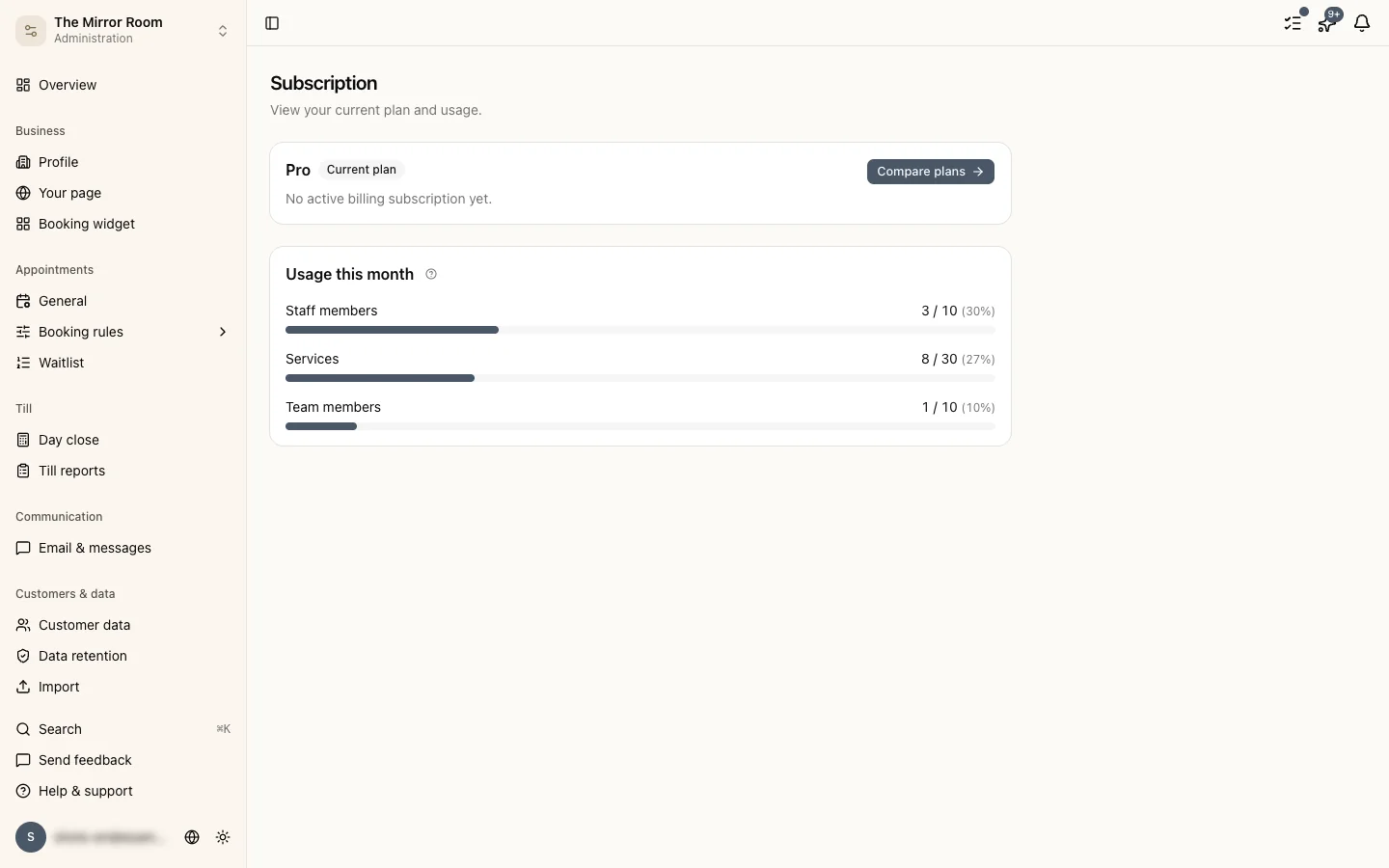
If your account is suspended over a failed payment:
- Log in
- Go to Settings > Subscription
- Add a valid payment method
- Pay the outstanding invoice
Your account is restored the moment the payment succeeds.
How do I avoid the problem?
Check now and then that your card is still valid. Stripe emails you a reminder when it is about to expire.