
The statuses
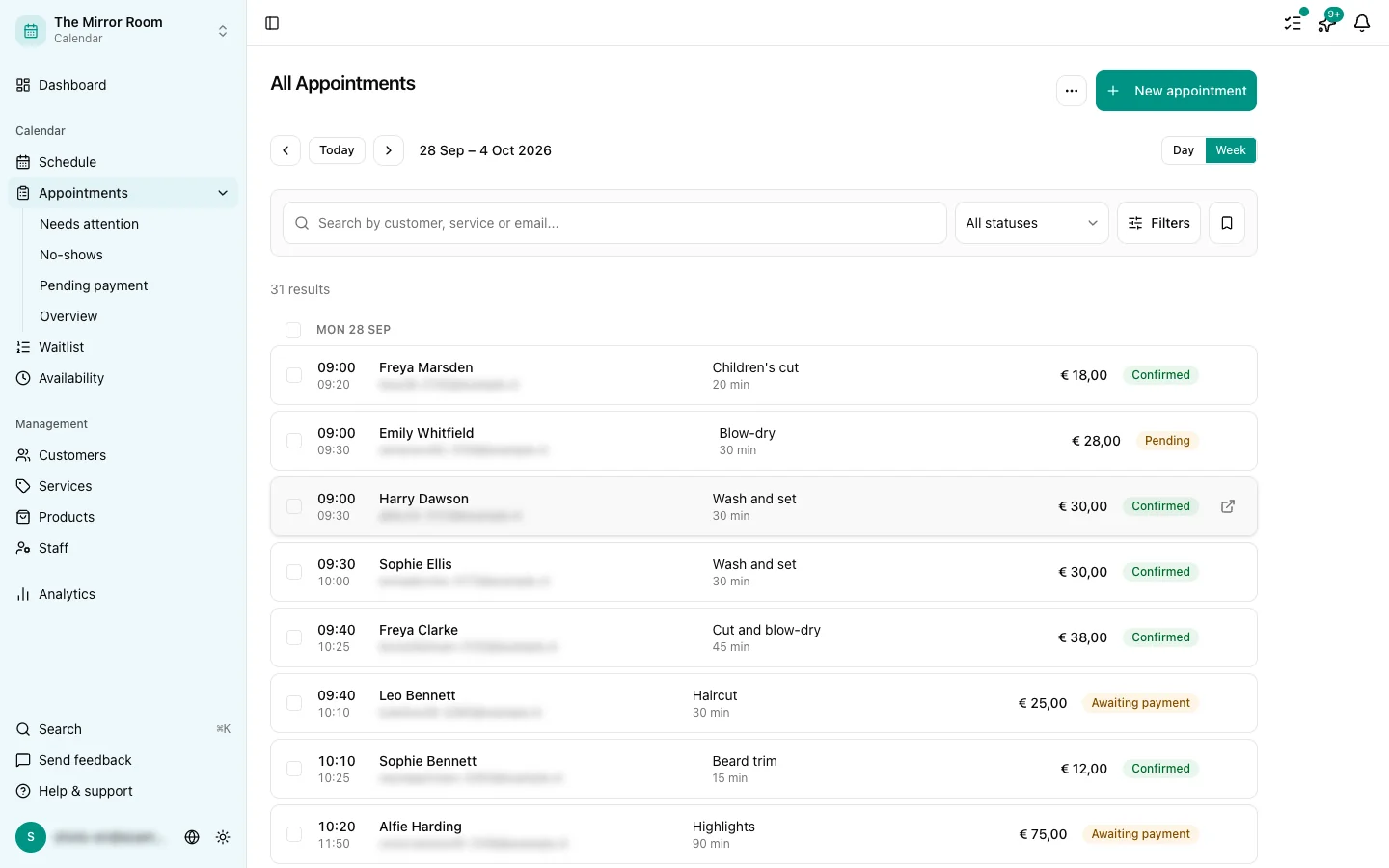
Every appointment has a status saying where the booking has got to.
Pending
The appointment exists but is waiting to be confirmed. That happens when:
- You have set manual approval for new bookings
- The customer has not paid yet and payment is required
You get a notification so you can confirm or decline it.
Awaiting email verification
The customer has been sent an email with a verification link. As soon as they click it, the status becomes Confirmed.
Confirmed
The appointment is settled. The customer has had a confirmation email. Both you and the customer can still change or cancel it.
Cancelled
The appointment was cancelled, either by you or by the customer. A cancelled appointment stays visible in the overview, but no longer holds its time slot.
No-show
The customer did not turn up. You can set this status by hand. A no-show does not hold its slot either, and is counted separately in your analytics.
Changing a status by hand
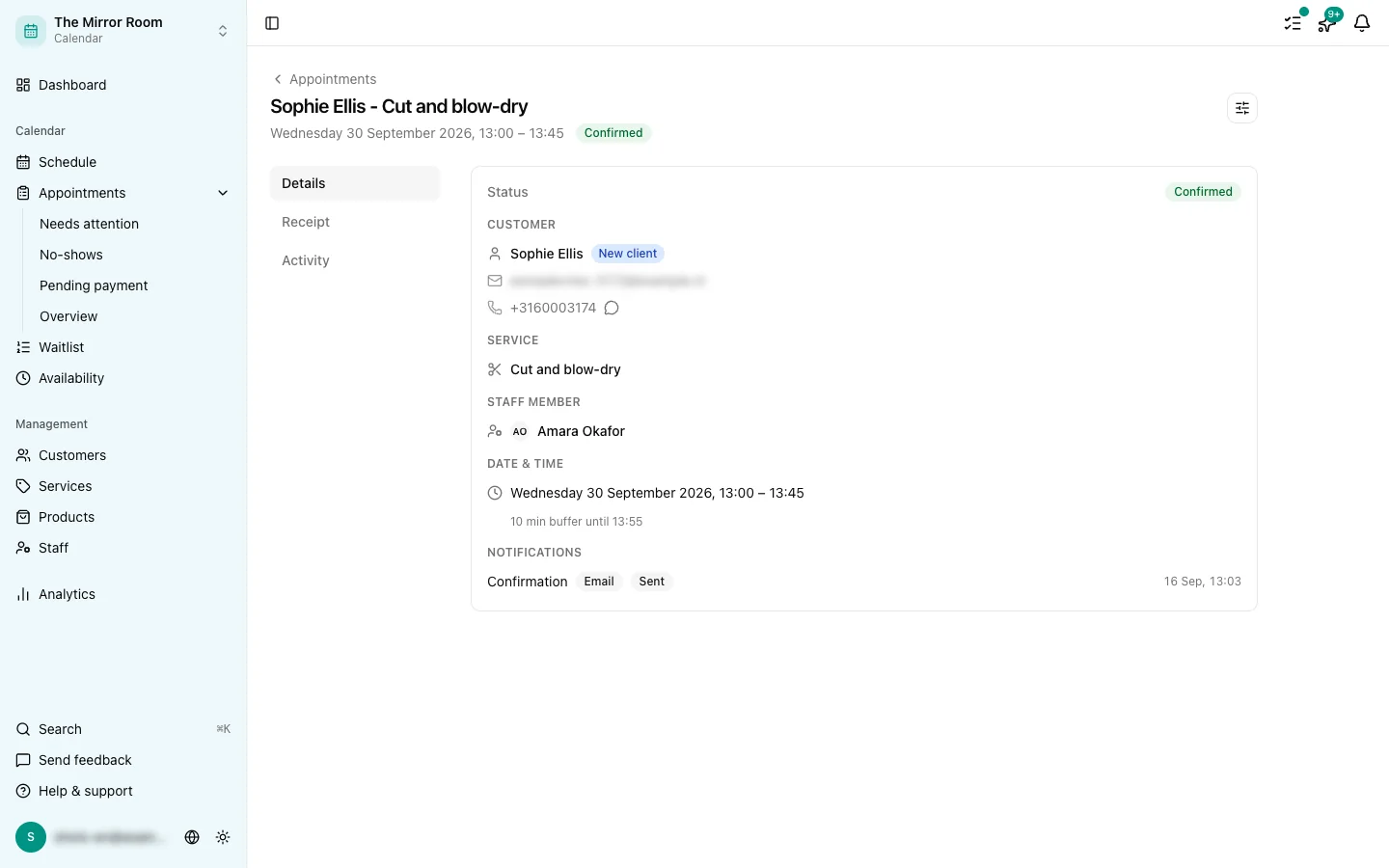
You can change an appointment's status yourself from the appointment detail page. Click the appointment and pick the status from the dropdown.