
When is a customer asked to pay?
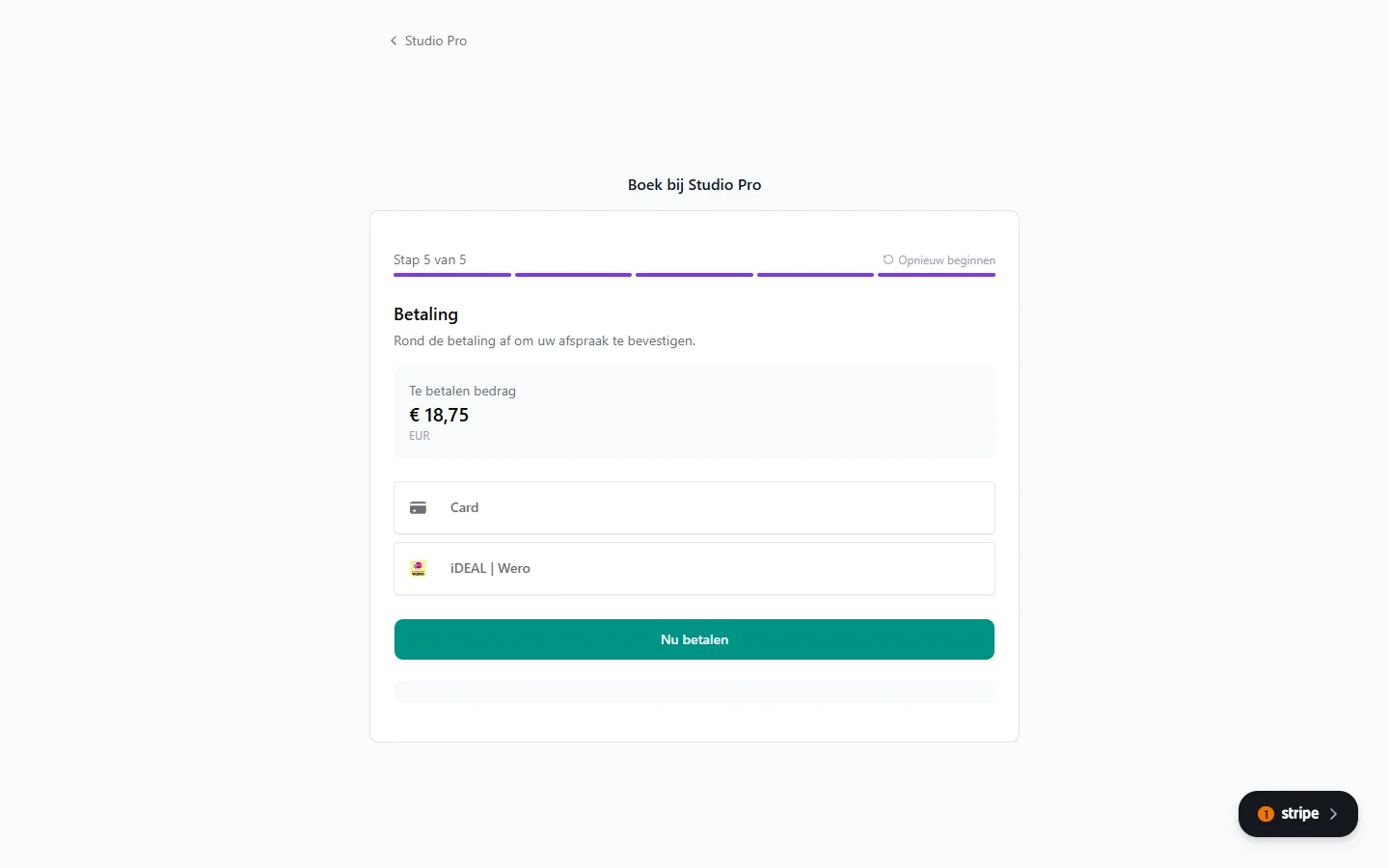
Paying during booking is optional, per service. You set it on the service itself: go to Services, click the service and switch Payment required on.
When payment is required, the customer is sent to a secure Stripe payment page after filling in their details.
What do I need to accept payments?
You need a connected Stripe account, set up under Settings > Payments. Without it customers cannot pay, even with the option switched on.
See also: Setting up Stripe to receive customer payments.
What happens when a payment fails?
The appointment is not confirmed. The customer sees an error and can try again.
The slot stays reserved for a while, and is released if no successful payment follows.
When do I get the money?
Stripe transfers it to your bank account after its standard processing time, usually two working days. Exactly when depends on your Stripe account settings.
Can I let customers pay later instead?
Yes. If you do not make payment required for a service, customers can book without paying anything up front. You can then send a payment request yourself, or take the money at the appointment.
Does Stippa charge a fee?
Stippa charges no transaction fee of its own. Stripe charges its own rates (see stripe.com for the current ones).