
Customers never see the payment step
If the payment step does not appear at all, check the following.
Is payment required for the service?
Go to Services, click the service and check that Payment required is switched on. With it off, the widget skips the payment step.
Is your payment provider connected?
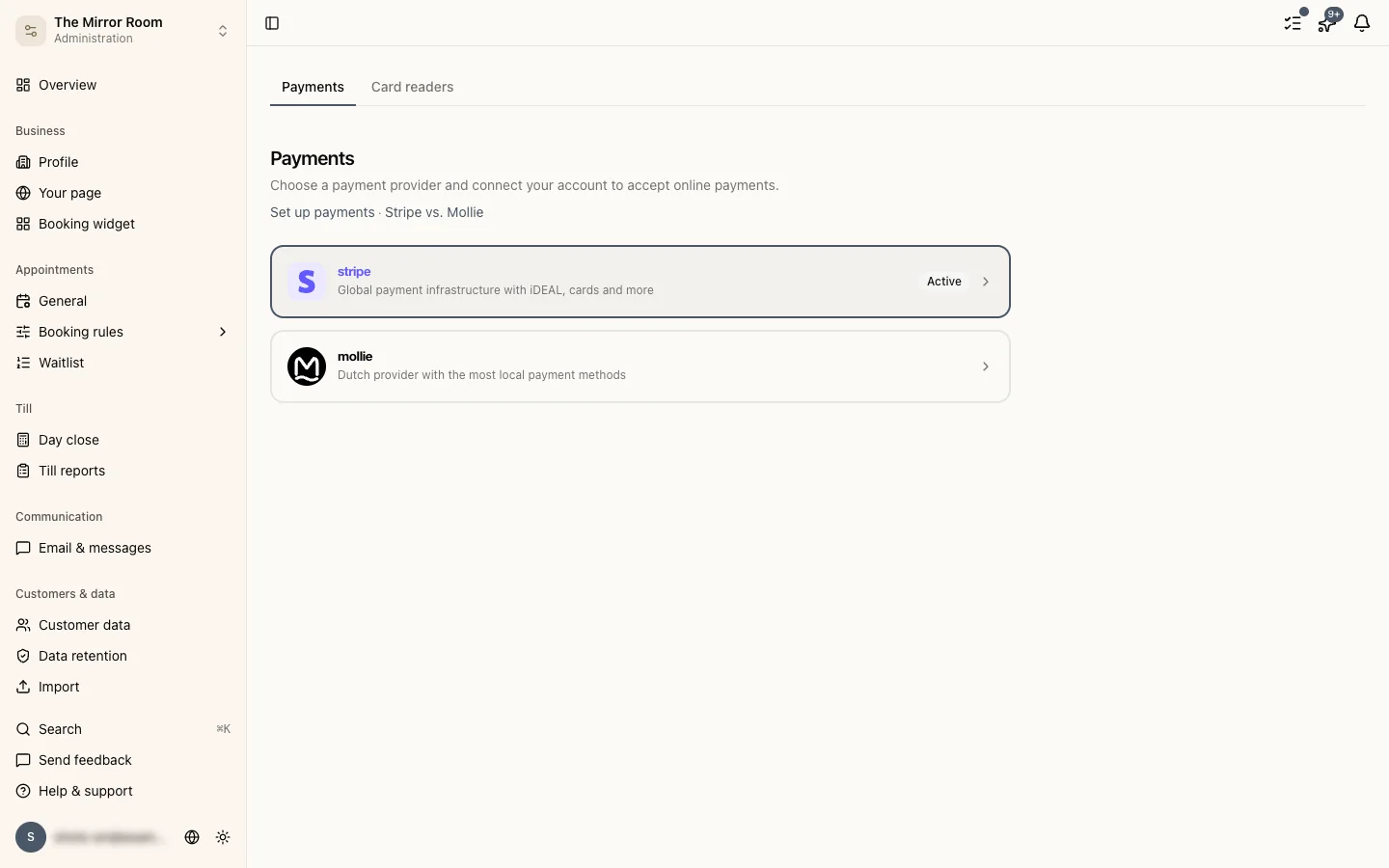
Go to Settings > Payments. If your active provider (Stripe or Mollie) is not connected, or the account is not activated, no payments can be taken.
See also: Setting up payments.
Customers get an error when paying
Is your provider in test mode?
Both Stripe and Mollie have a test mode. In test mode customers cannot pay with real payment details.
- Stripe: switch to live mode in your Stripe dashboard. Use test card numbers for test payments.
- Mollie: switch to live mode in your Mollie dashboard.
Is your account fully verified?
Both providers require identity verification before you can receive payments. Open your provider's dashboard and check whether any verification steps are still outstanding.
- Stripe dashboard: connect.stripe.com/express_login
- Mollie dashboard: my.mollie.com/dashboard
Has your provider restricted your account?
Occasionally a provider restricts an account temporarily. Check your email for messages from Stripe or Mollie and follow their instructions to put it right.
A customer paid but the appointment was not confirmed
This can happen when the connection drops during payment. Check your provider's dashboard to see whether the payment was registered. If it was, get in touch so we can confirm the appointment by hand.
Still need help?
Use the feedback button in the sidebar, or email support@stippa.nl.