
What is Stripe Connect?
Stripe Connect is the technology Stippa uses to process payments on your behalf. Customers pay you directly through Stripe. Stippa never touches the money.
You need a Stripe account to accept payments. Creating one is free, at stripe.com.
Step 1: Go to the payment settings
Go to Settings > Payments in your dashboard. It tells you whether your Stripe account is connected yet.
Step 2: Connect your Stripe account
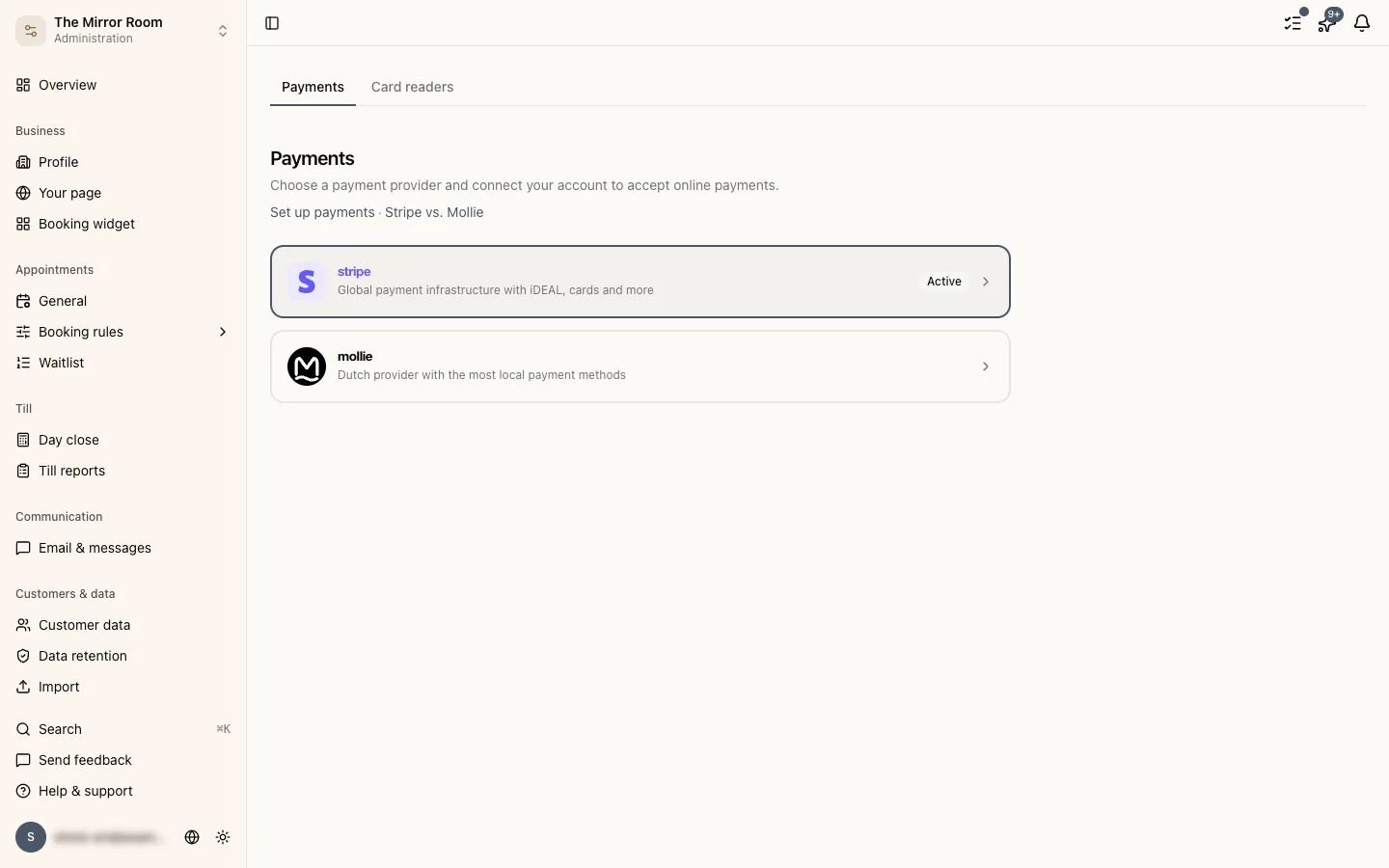
Click Connect with Stripe. You are sent to Stripe to log in or create an account.
Follow the steps in Stripe's wizard:
- Fill in your business details (business name, address, VAT number)
- Add a bank account
- Confirm your identity, which Stripe is legally required to ask for
You are sent back to Stippa when you are done.
Step 3: Test mode against live mode
Stripe starts in test mode. There you can try payments out without any real money moving. Use test card numbers (they are in the Stripe documentation) to simulate a payment.
When you are ready for real payments, switch to live mode in your Stripe settings. That needs your identity verification to be complete.
Checking that Stripe is set up properly
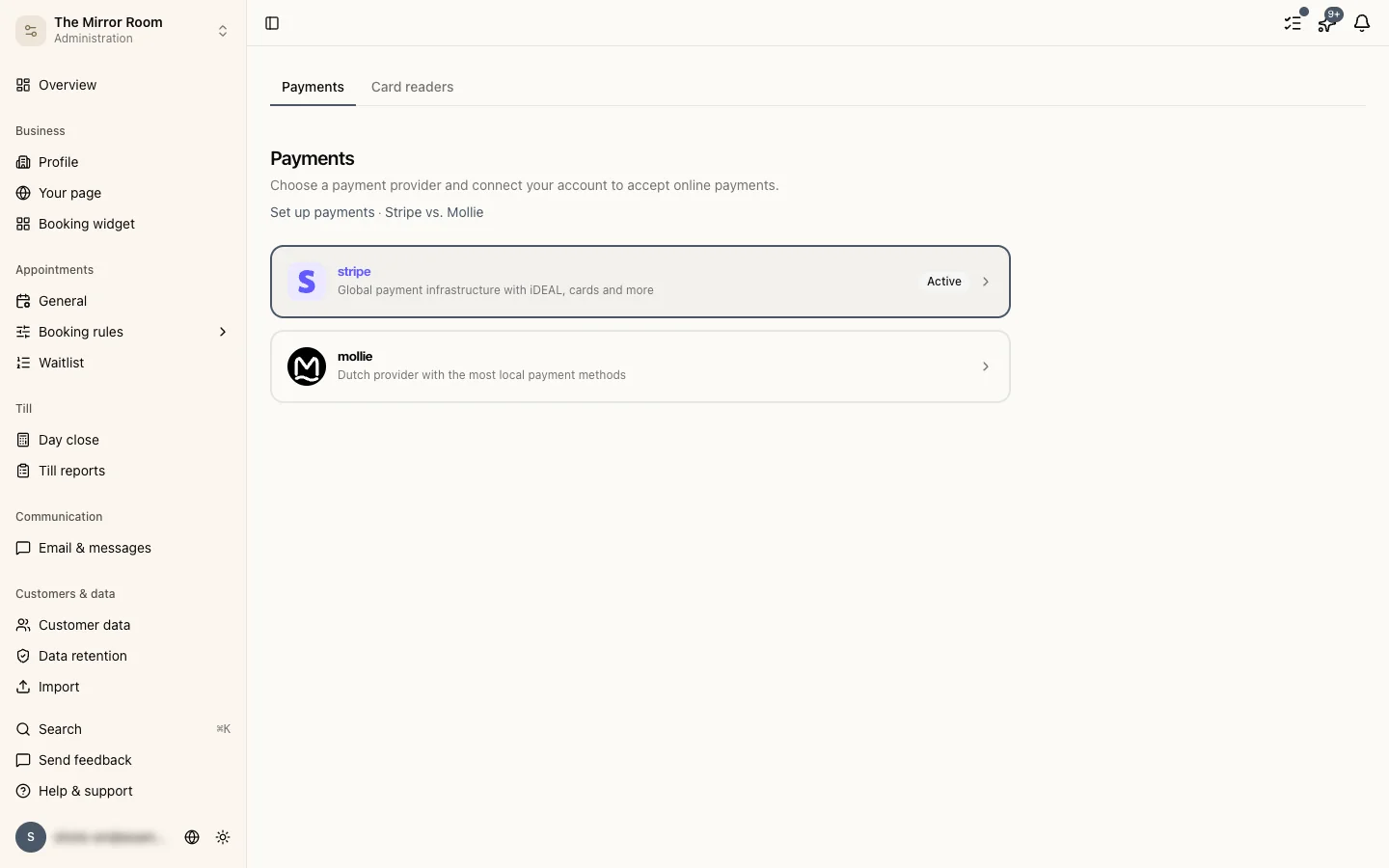
After connecting, Settings > Payments shows the status of your Stripe account. A green marker means everything is in order.
If there is a warning, follow the link to Stripe and fill in whatever is missing.
Disconnecting
You can disconnect your Stripe account under Settings > Payments > Disconnect. After that customers can no longer pay through the booking widget.