
How do I get in touch?
Two ways.
The feedback button in the sidebar
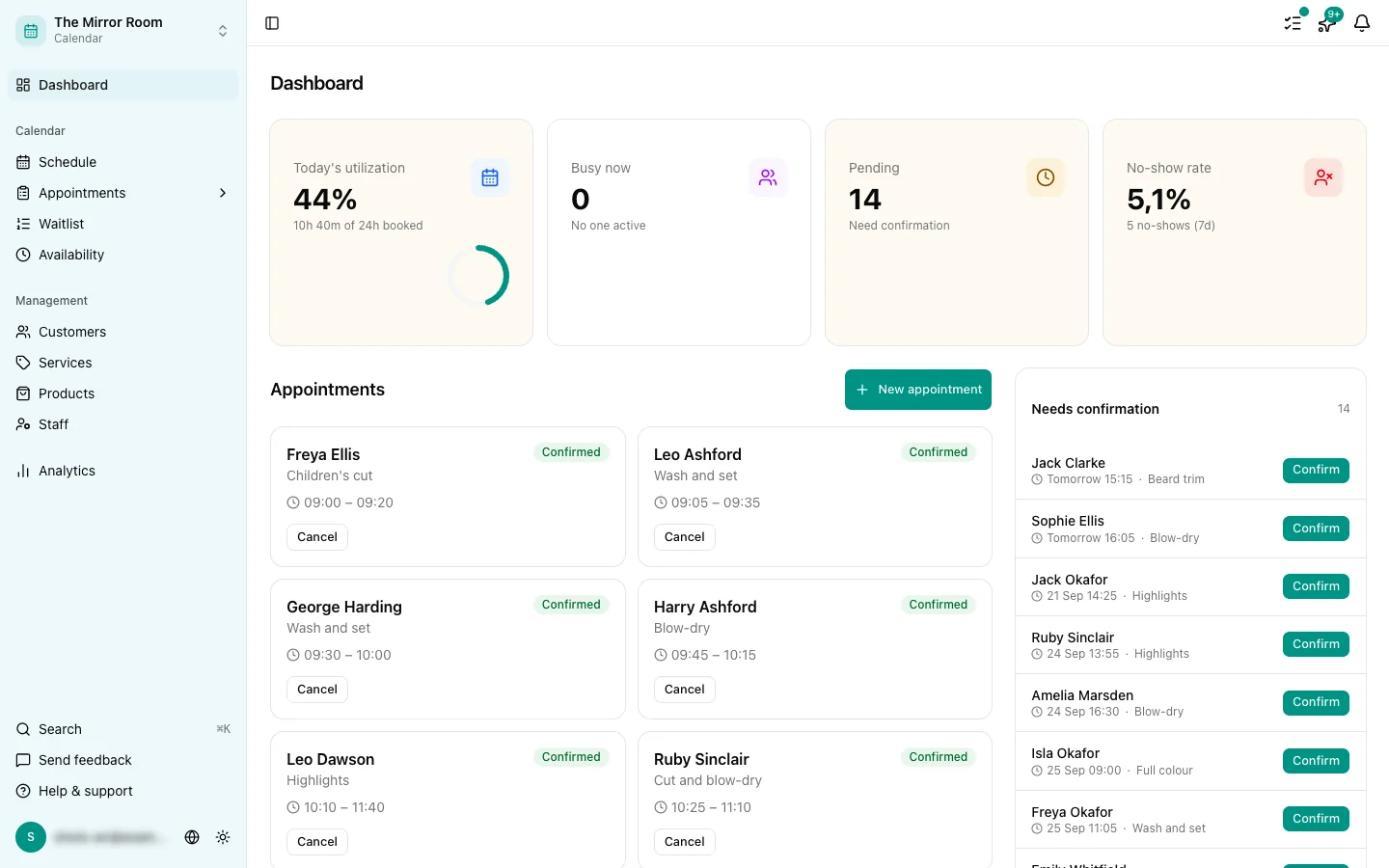
The quickest way is the feedback button in the bottom left of the dashboard. From there you can:
- Report a bug
- Ask for a feature
- Send us a general message
We read every message and answer as quickly as we can.
You can also reach us at support@stippa.nl. We aim to answer within one working day.
What to include
To help you as quickly as possible, it is worth sending:
- A description of the problem
- What you did just before it happened
- Which page or feature it is about
- Any error message you can see
- A screenshot, if there is anything to show
The more context you give, the faster we can help.
Is there a status page?
During an outage or maintenance we post on our status channels. If you think something is down, send us a message through the feedback button.
Response times
We are available on working days, Monday to Friday. Around public holidays a reply may take longer.