
When can I issue a refund?
You can refund whenever a customer paid at booking and the appointment has been cancelled, or when you simply want to put something right.
Step 1: Open the appointment
Go to Appointments and open the one the payment belongs to.
Step 2: Click Refund
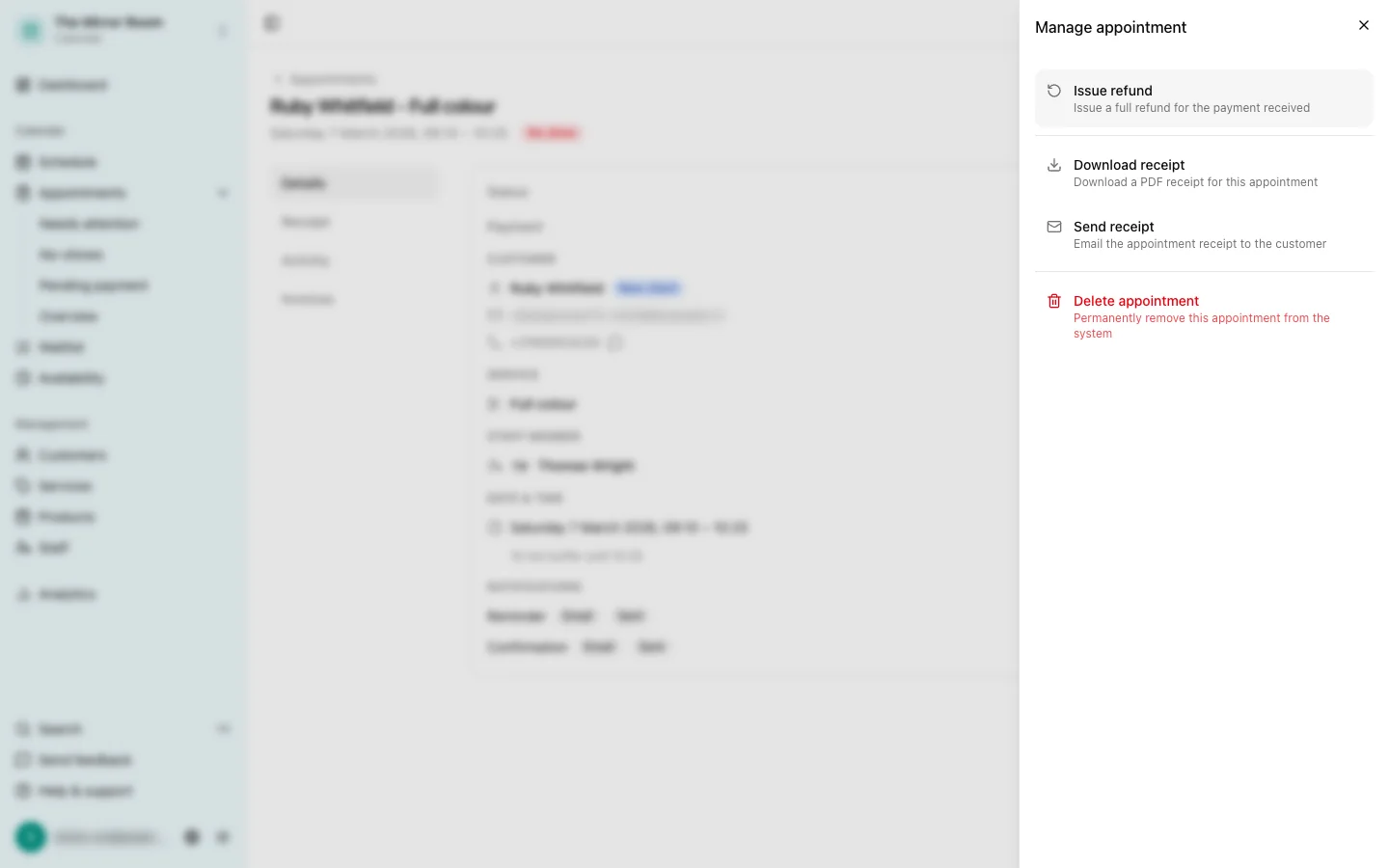
Click Issue refund in the payment details. The button only appears when a payment is registered against that appointment.
Step 3: Confirm
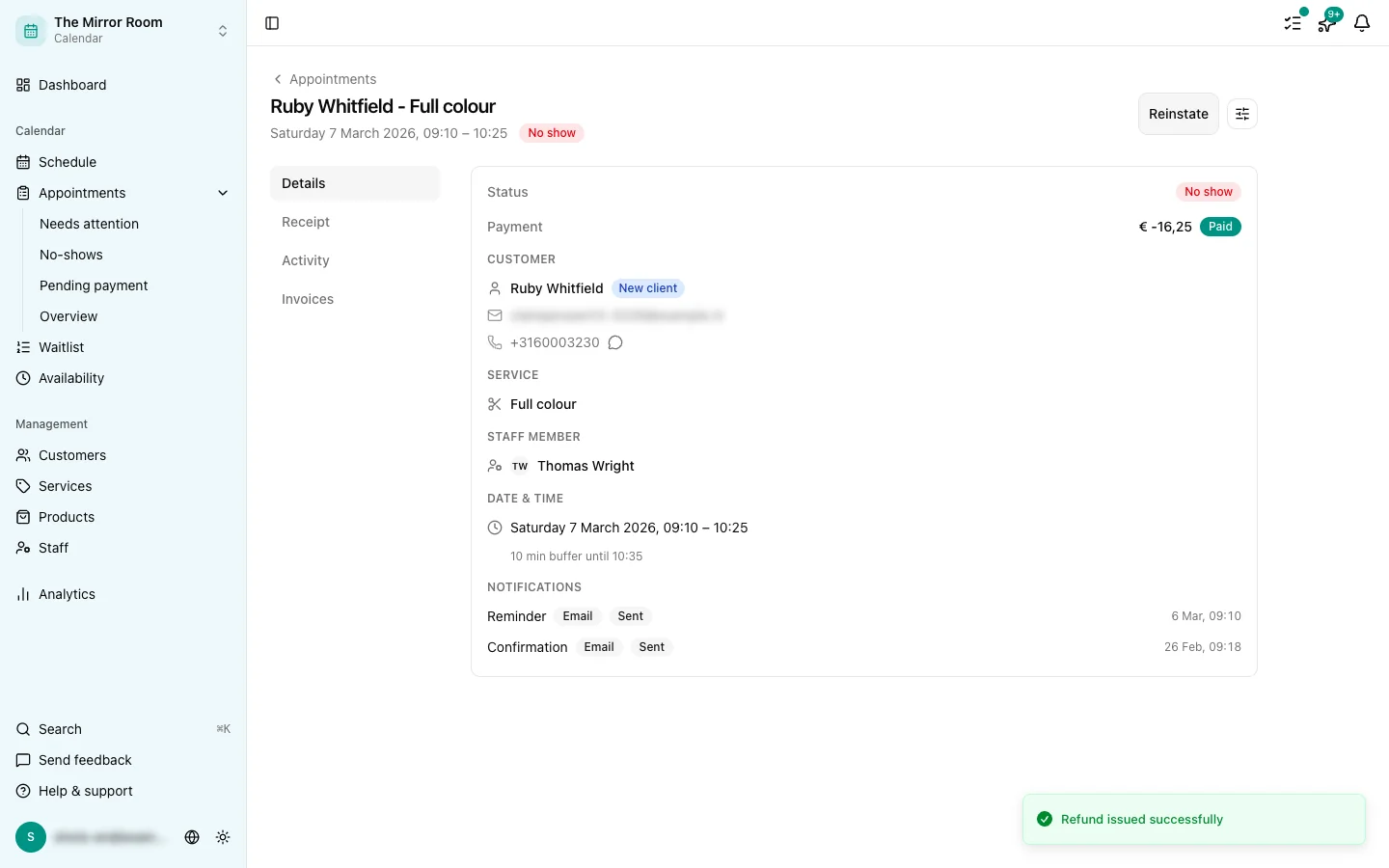
Confirm the refund. Stripe returns the money to the payment method the customer used.
How long does a refund take?
Stripe usually processes refunds within 5 to 10 working days, depending on the customer's bank.
Can I refund part of the amount?
Not from Stippa, for now: the dashboard refunds the full amount only. If you need a partial refund, issue it by hand from your Stripe dashboard.
Who can issue refunds?
Owners and admins only. Employees have no access to this.