
What is a guest link?
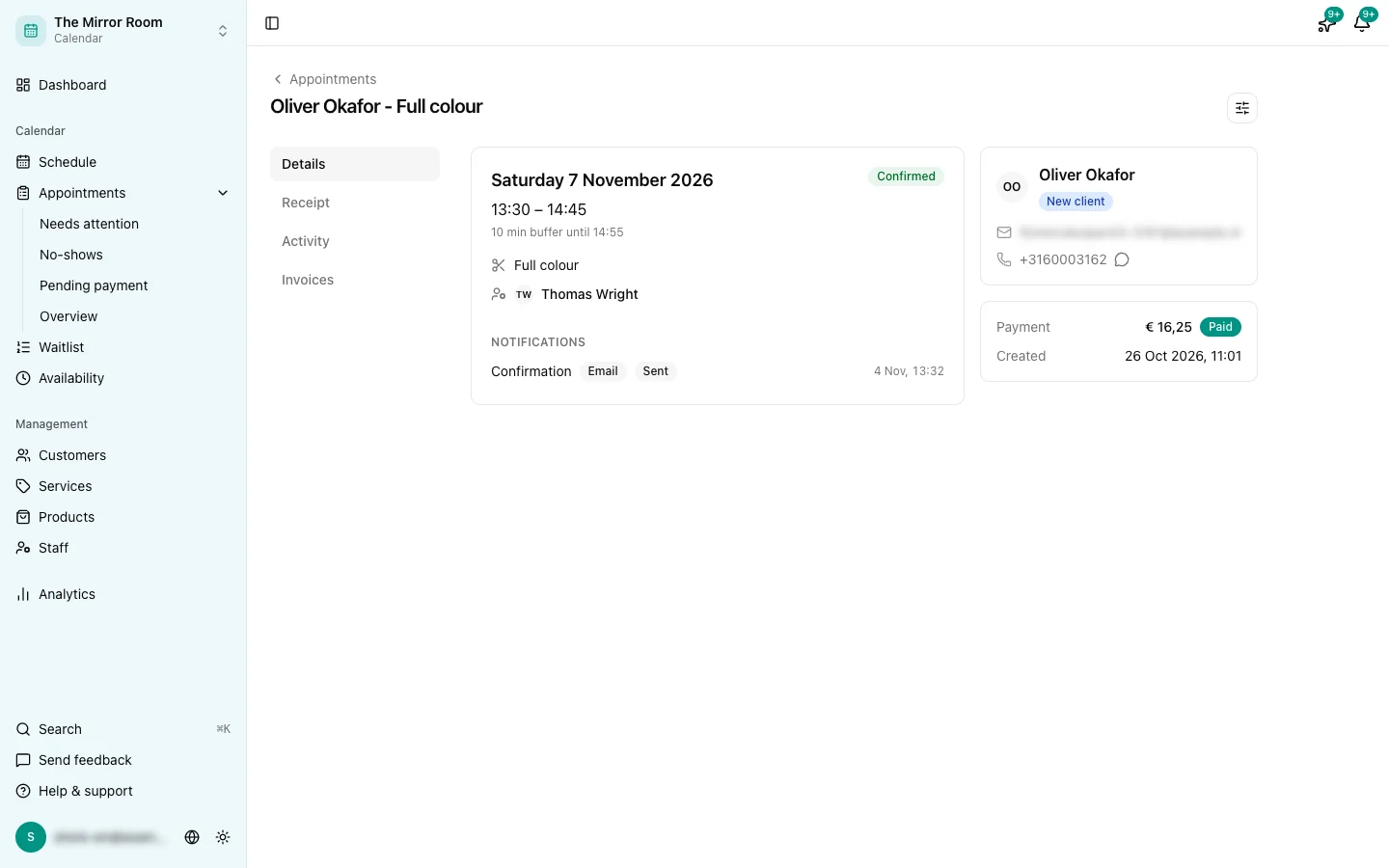
Every customer who books an appointment gets their own link in the confirmation email. With it, the customer views the appointment and reschedules or cancels it without logging in. You decide what the customer may do through the link.
What can a customer do with the guest link?
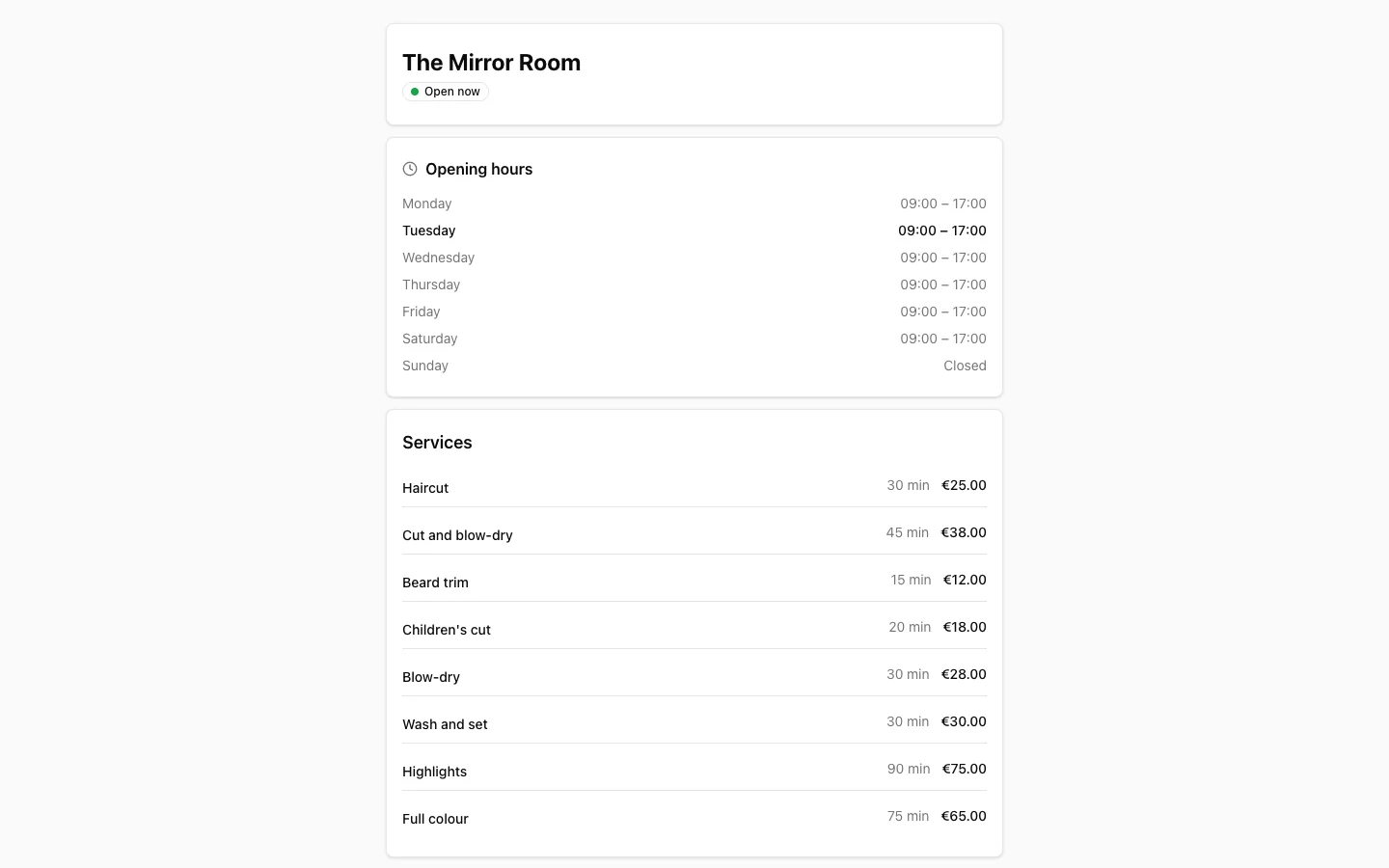
- View the appointment details
- Move the appointment to another free time, if Self reschedule is on
- Cancel the appointment, if Self cancel is on
A customer who paid online can't cancel themselves. They're asked to contact you instead, so you can arrange any refund.
Until when can a customer reschedule or cancel themselves?
You set this in Administration > Online booking, on the Self-service tab, in the Cancelling and rescheduling card. Each has its own number of hours:
- Customers can cancel themselves until ... hours before the appointment
- Customers can reschedule themselves until ... hours before the appointment
Example: cancelling up to 24 hours, rescheduling up to 4 hours. Ten hours before the appointment a customer can still pick another time, but can no longer cancel. Two hours before, neither is possible. Leave a field empty for no limit. The smallest number is 1 hour.
If you propose another time yourself, the customer can always pick it, even when the time to reschedule has passed.
On the guest link, your customer sees for each appointment until when this is still possible. Once it is too late, your phone number and email address are shown with it. The link is also in the reminder and in the email about a rescheduled appointment.
Can a customer change their own details?
Yes, when the Own details part of Customer self-service is on. The guest link then shows My details. There the customer changes their name and phone number, and fills in the fields you open up to them. Only you change an email address, so nobody can take over someone else's appointments with a forwarded email.
You set what a customer may change in Administration > Online booking, on the Self-service tab, in the Own details card. For each field you choose in Customer data whether the customer does not see it, only sees it, or changes it themselves. Health data never appears on the customer's page. Custom fields for customers come with the Groei plan and up; name and phone number work on every plan.
When a customer changes something, you get a notification in the app and the change appears in the customer's history as Changed by the customer. A new phone number switches WhatsApp messages off until the customer agrees again. To stop one customer from changing anything, switch off May change own details on their customer card. Receipts and emails already sent keep the old name: they show what was true at the time.
What if the customer has lost the email?
On the Find your appointments page the customer enters their email address and gets a new link. You can also change the appointment yourself in the dashboard.
Can I switch rescheduling or cancelling off?
Yes. Self cancel and Self reschedule are parts of the Customer self-service module. You switch them on or off separately in Administration > Modules. When a part is off, the guest link no longer shows that button. Viewing is always possible.