
What is in a customer profile?
Every customer profile holds:
- Name and contact details (email address, phone number)
- An overview of every appointment, past and future
- Notes you have added yourself
- The date of their first appointment
How do I open a customer profile?
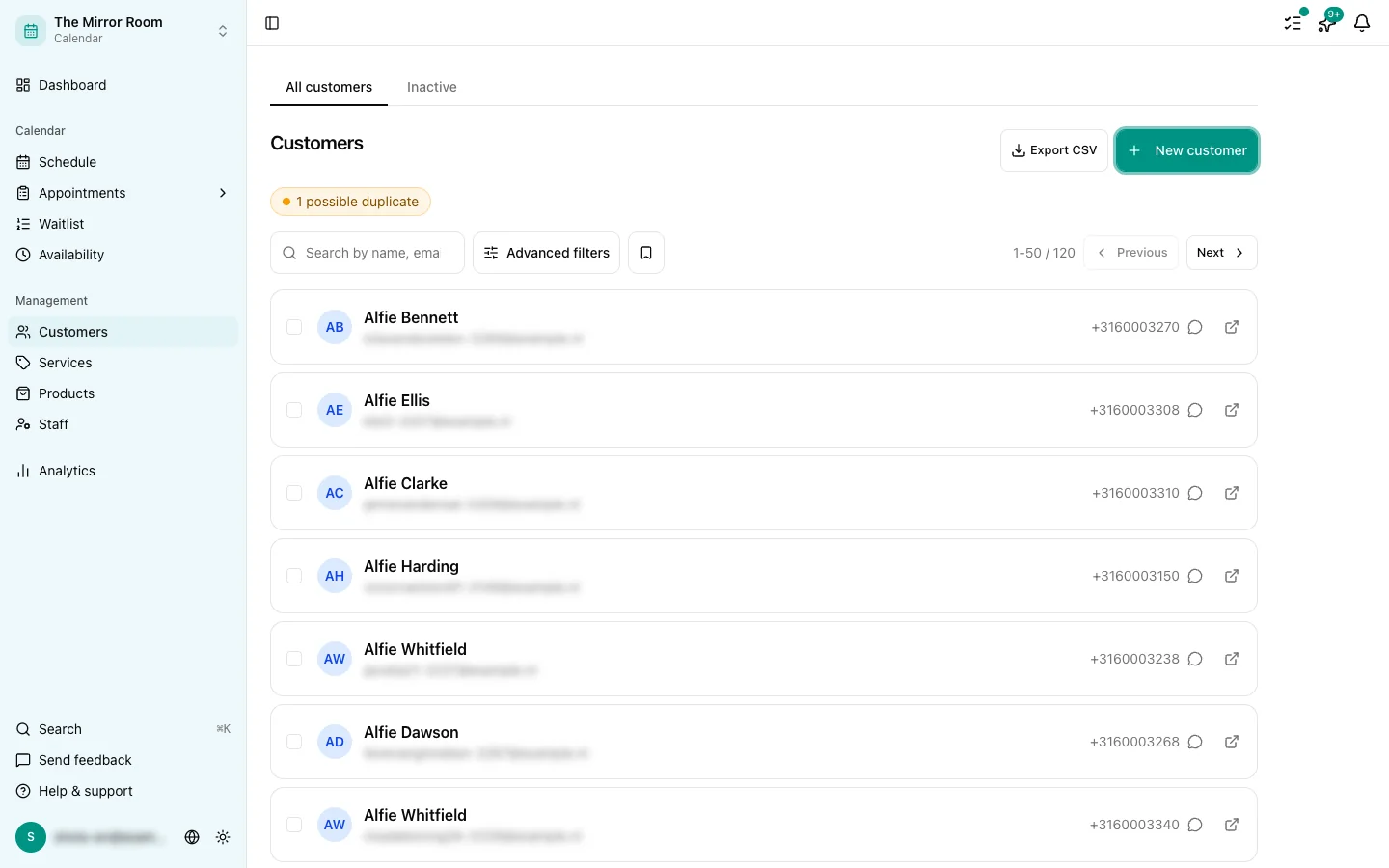
Go to Customers and click the customer's name. The profile opens with all their details.
You can also reach the profile from an appointment, through the link in the appointment details.
Can I edit a customer's details?
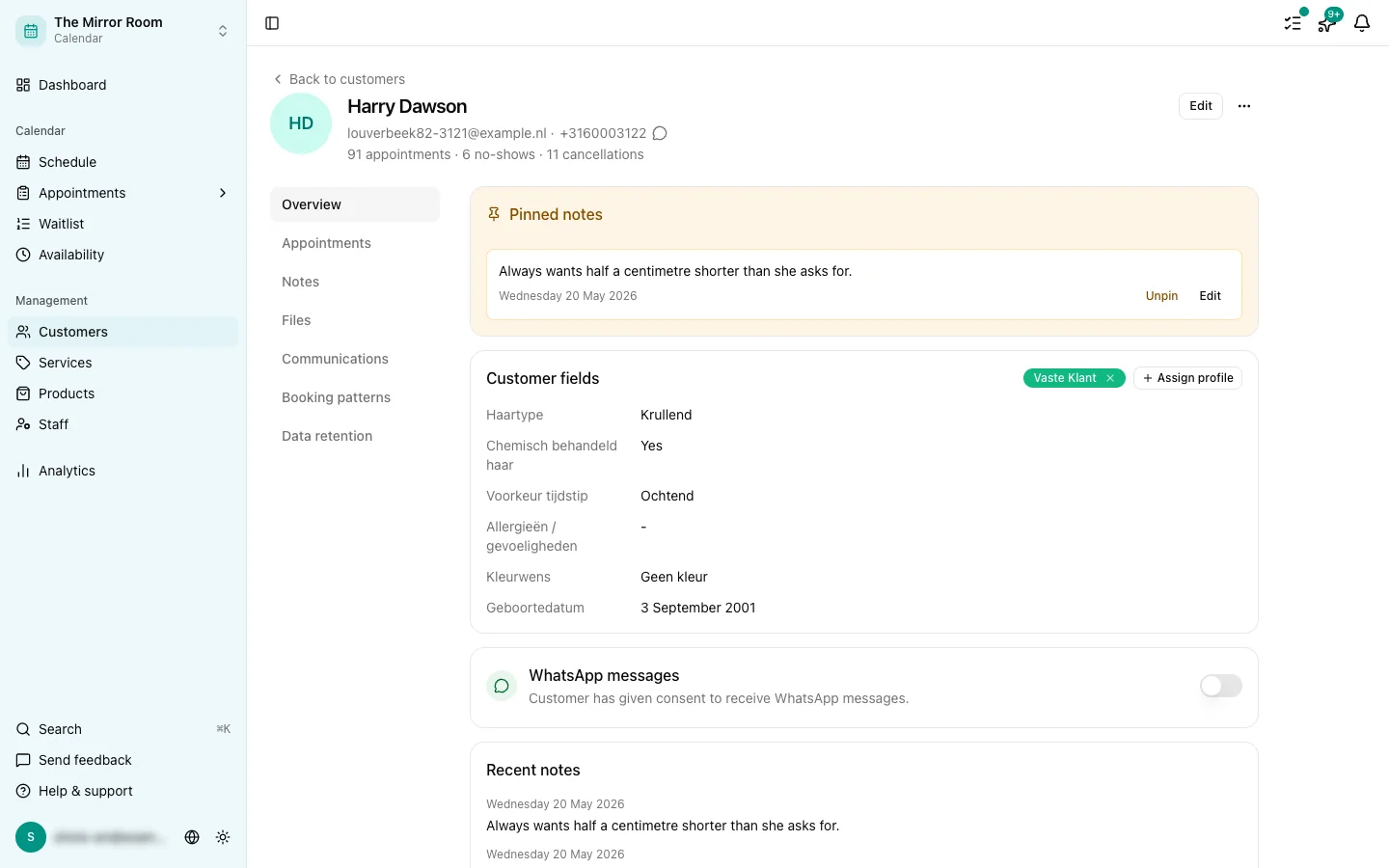
Yes. Click Edit in the customer profile to change the name, the email address or the phone number.
Adding notes
You can add internal notes to a customer profile. Notes are visible only to you and your team, never to the customer.
You can also pin a note. Pinned notes always sit at the top of the profile, so something that matters (an allergy, a regular colour formula) is the first thing anyone sees.
Attaching files
The Files tab lets you add documents, images or any other file to a customer profile. Useful for keeping intake forms, photos or treatment results together with the person they belong to.
Can a customer see their own details?
No. Customers have no login account. They can view and manage their own appointments through their guest link.
Keeping and deleting data
Customer data is kept for as long as your account is active. You can delete a customer by hand through Customers > [customer] > Delete. That also deletes every appointment and every record attached to them.