
How do duplicate profiles happen?
Duplicate customer profiles appear when somebody books twice with different email addresses, or when there is a typo in the address.
Stippa creates a new profile whenever the email address is not one it already knows. So a customer who uses a different address from the one they booked with the first time ends up with a second profile.
Spotting duplicates
Go to Customers and search by name or email address. If you find two profiles belonging to the same person, you can merge them.
Stippa also suggests possible duplicates when two profiles have similar names or the same phone number.
Merging two profiles
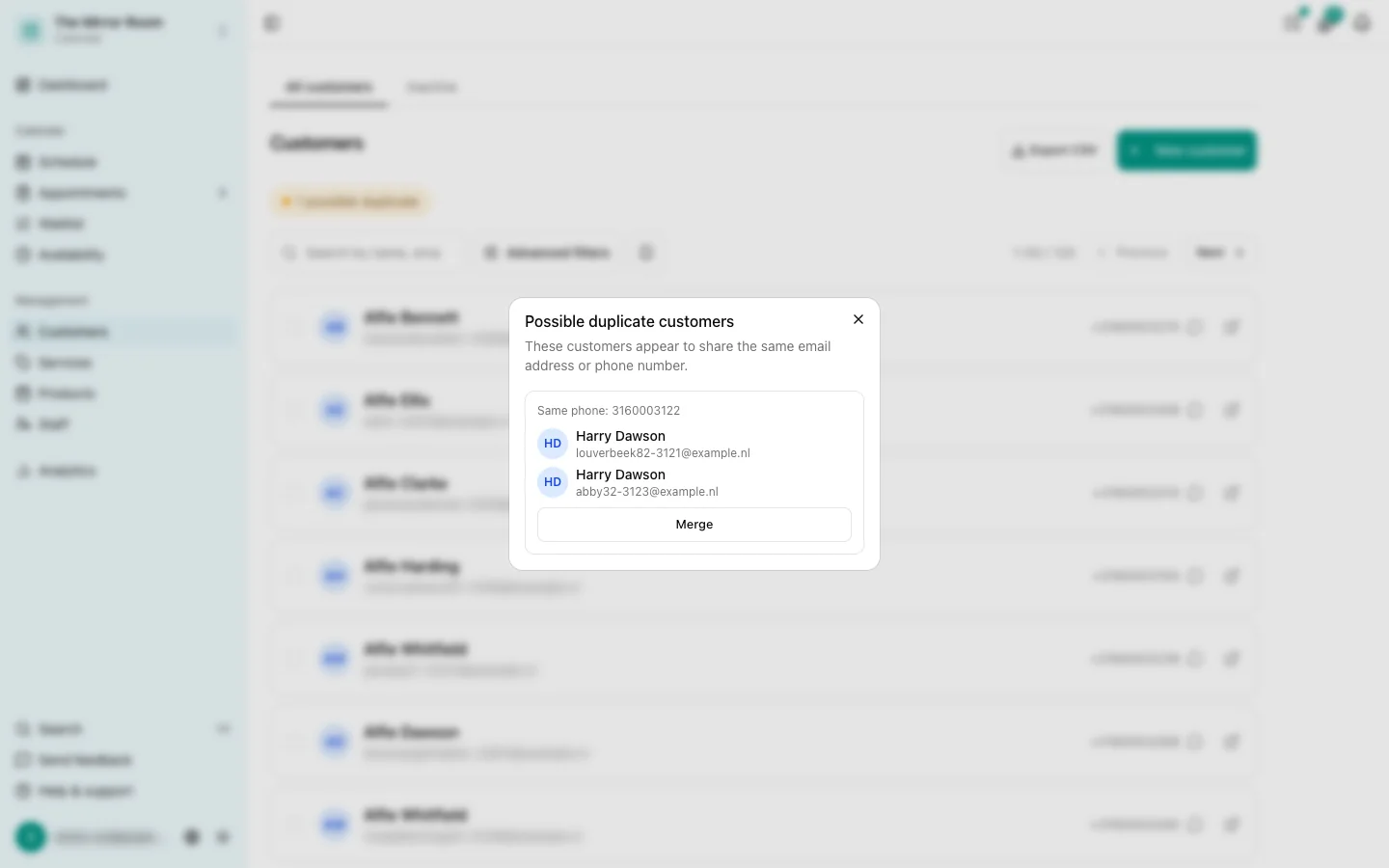
- Open the profile you want to keep
- Click Merge duplicate
- Find the other profile by name or email address
- Confirm the merge
After the merge, every appointment, note and detail is combined into the profile you kept. The other profile is deleted.
Can I undo a merge?
No. A merge cannot be reversed. Check both profiles carefully before you merge them.
Automatic deduplication
On every new booking, Stippa checks whether the email address given is one it already has. If it is, the booking is attached to the existing profile and no new one is created.