
What are recurring appointments?
A recurring appointment repeats itself at a fixed interval, weekly or monthly for instance. Handy for customers who come back regularly.
How do I create one?
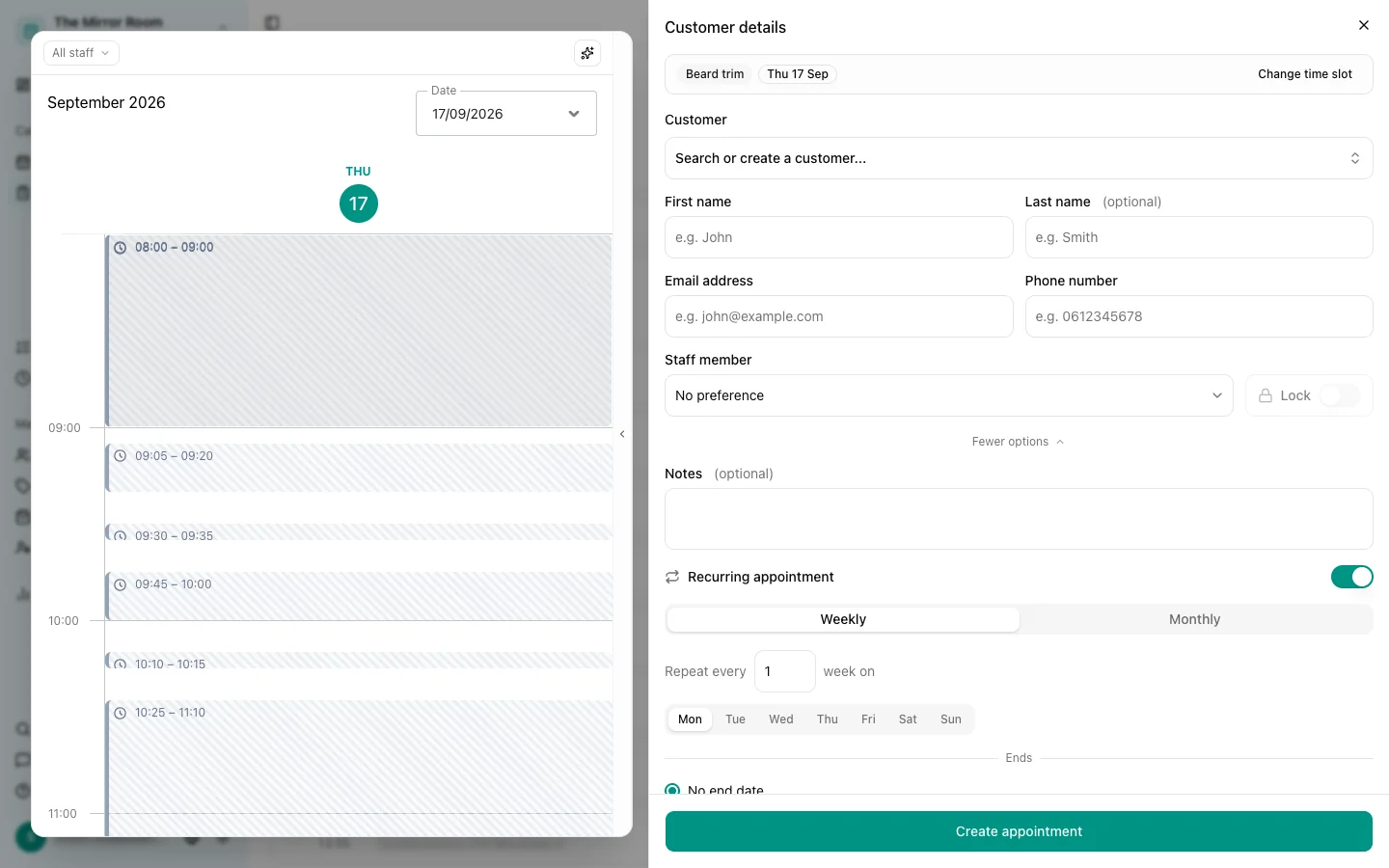
- Go to Appointments and click New appointment
- Fill in the details: customer, service, time
- Switch Recurring appointment on
- Pick how often it repeats: daily, weekly, fortnightly or monthly
- Say where it ends: a particular date, or a number of repeats
- Click Create
How do I edit a series?
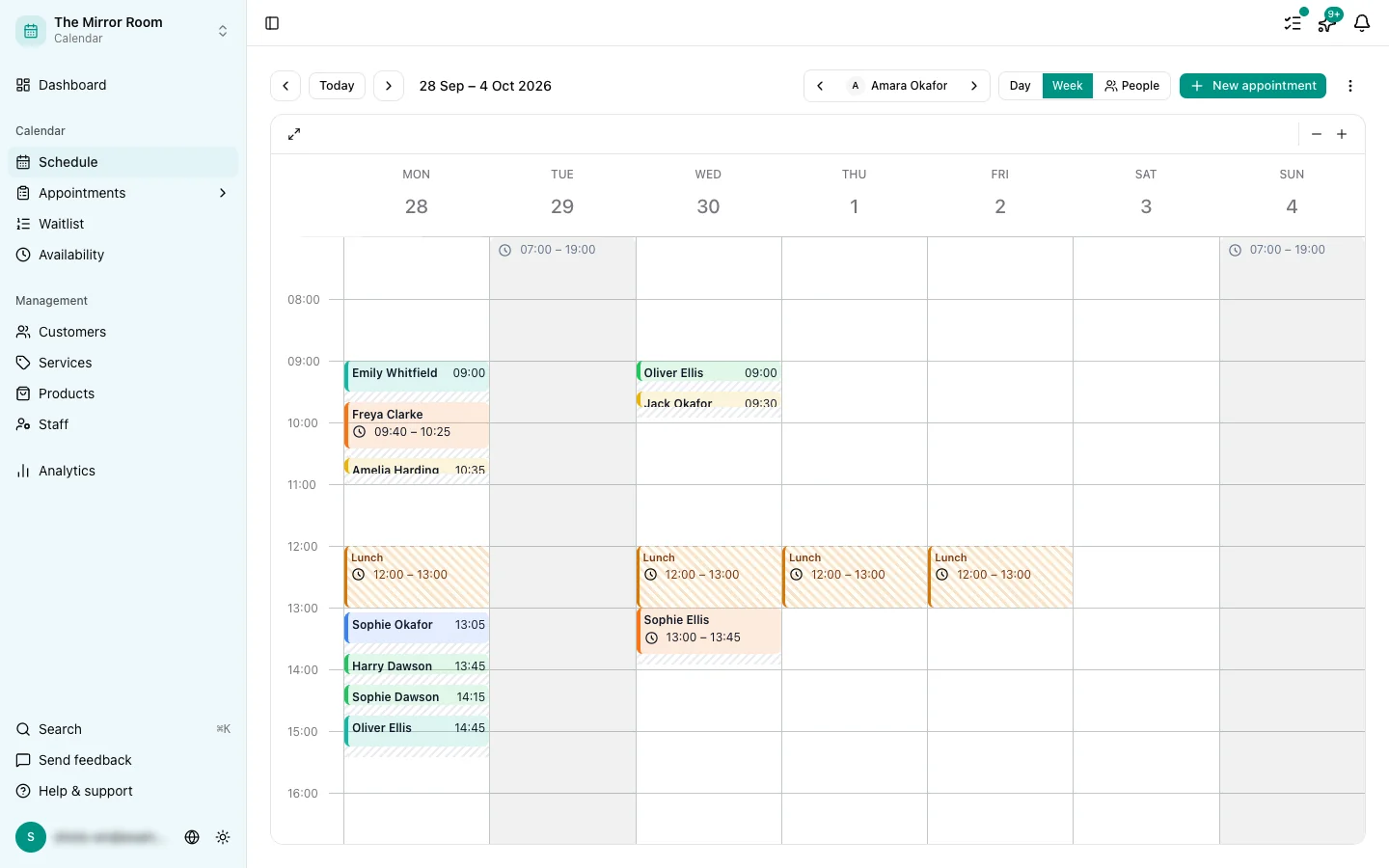
Clicking a recurring appointment lets you choose whether you are editing:
- This appointment only
- This one and every future one
- The whole series
Pick whichever matches what you mean.
How do I cancel a series?
Open any appointment in the series and choose Cancel. You can cancel just that one, or the whole series.
Can customers book recurring appointments themselves?
No. Recurring appointments are created by you or an admin only. The booking widget cannot create a series.
What if there is a clash?
If a slot in the series is already taken, that one is skipped. Every other appointment in the series is created as normal.