Skip to content
For the first ten businesses: six months of Stippa free, in exchange for your feedback.Find out more
Stippa
FeaturesPricingDemoHelpContact
Log inStart free
Settings

Automatic thank-you message

Automatically send a thank-you email with a link to book again, once an appointment has been completed.

2 min read

What does it do?

The customer has just walked out the door. Two hours after the appointment they get a thank-you email from your business, with a Book a new appointment button that lets them book again in one click. The email goes out in the customer's language.

This is included in Groei and up. The module is called Post-appointment automation and you switch it on under Administration > Modules.


Where do I set it up?
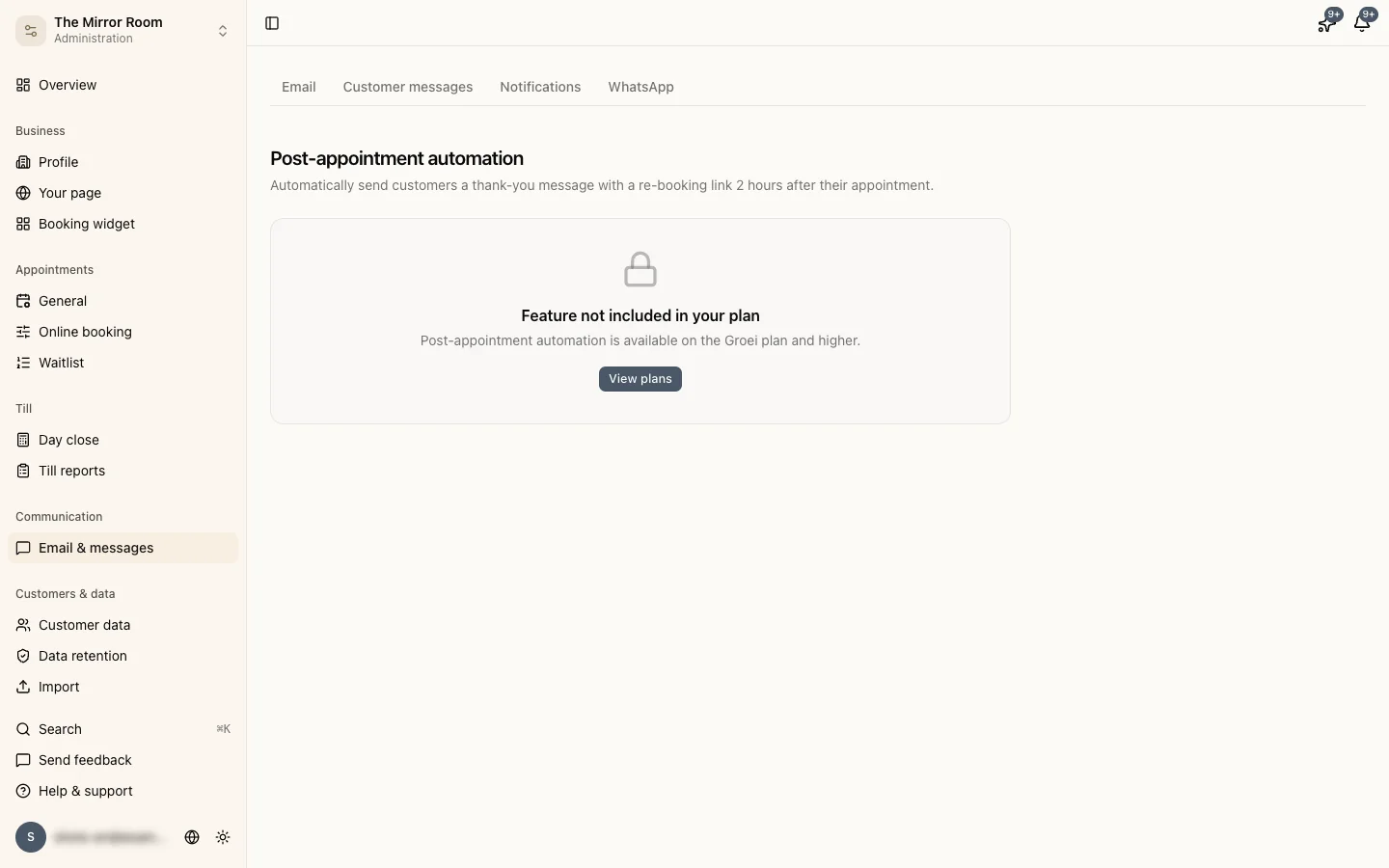
Settings for the automatic thank-you message

Go to Administration > Email & messages and open the Thank-you message tab.

Under Per-service settings you switch the thank-you message on or off per service. That way you can send it after a colour treatment, for example, but not after a quick cut. A new service is switched on by default.


When is the message sent?

Only for an appointment with the status Completed, 2 hours after the end time. If you complete the appointment later, the email goes out straight after you complete it.

An appointment that stays on Confirmed gets no thank-you email. If you never click complete yourself, switch on Auto-complete under Administration > General. Stippa then completes the appointment by itself, a number of hours after it has ended. Read more in appointment statuses.


Through which channel?

The thank-you message goes by email, from the sender address you set under Administration > Email & messages, on the Email tab.


Can a customer unsubscribe?

Yes. Every thank-you email contains an unsubscribe link. A customer who unsubscribes no longer gets any automatic messages from your business.

Updated: 27 October 2026

Was this helpful?

Related articles

  • Email reminders and confirmations
  • Plans, limits and what each one includes

In this article

  • What does it do?
  • Where do I set it up?
  • When is the message sent?
  • Through which channel?
  • Can a customer unsubscribe?
Stippa

Appointment scheduling, without the hassle.

Try free for 1 month

Product

  • Features
  • Pricing
  • Demo
  • FAQ
  • Contact
  • System status

Features

  • Booking widget
  • Online payments
  • Reminders
  • No-show prevention
  • Online calendar
  • Your own website
  • Client management

For whom

  • For salons
  • Beauty salons
  • Physiotherapists
  • Coaches
  • Personal trainers
  • Barbershops
  • Nail salons
  • Pedicurists
  • Massage salons

Legal

  • Privacy policy
  • Terms of service
  • Data processing agreement

© 2026 Stippa. All rights reserved.

De Rechter Software · Molenwater 20, 4511 BN Breskens · KvK 98466402· VAT NL005332100B80 · +31 6 15745447

······
Try free for 1 month

1 month free. No card needed.

Cookies

We use cookies to measure how visitors use this website. With your consent we also record your visit, so we can see where something goes wrong.

You can change your choice at any time via 'Cookie preferences' at the bottom of every page.

· Learn more