
After a colour there is clearing up to do, and before a cut there is setting up to do. That was written down nowhere, so the calendar simply offered those minutes.
What is new
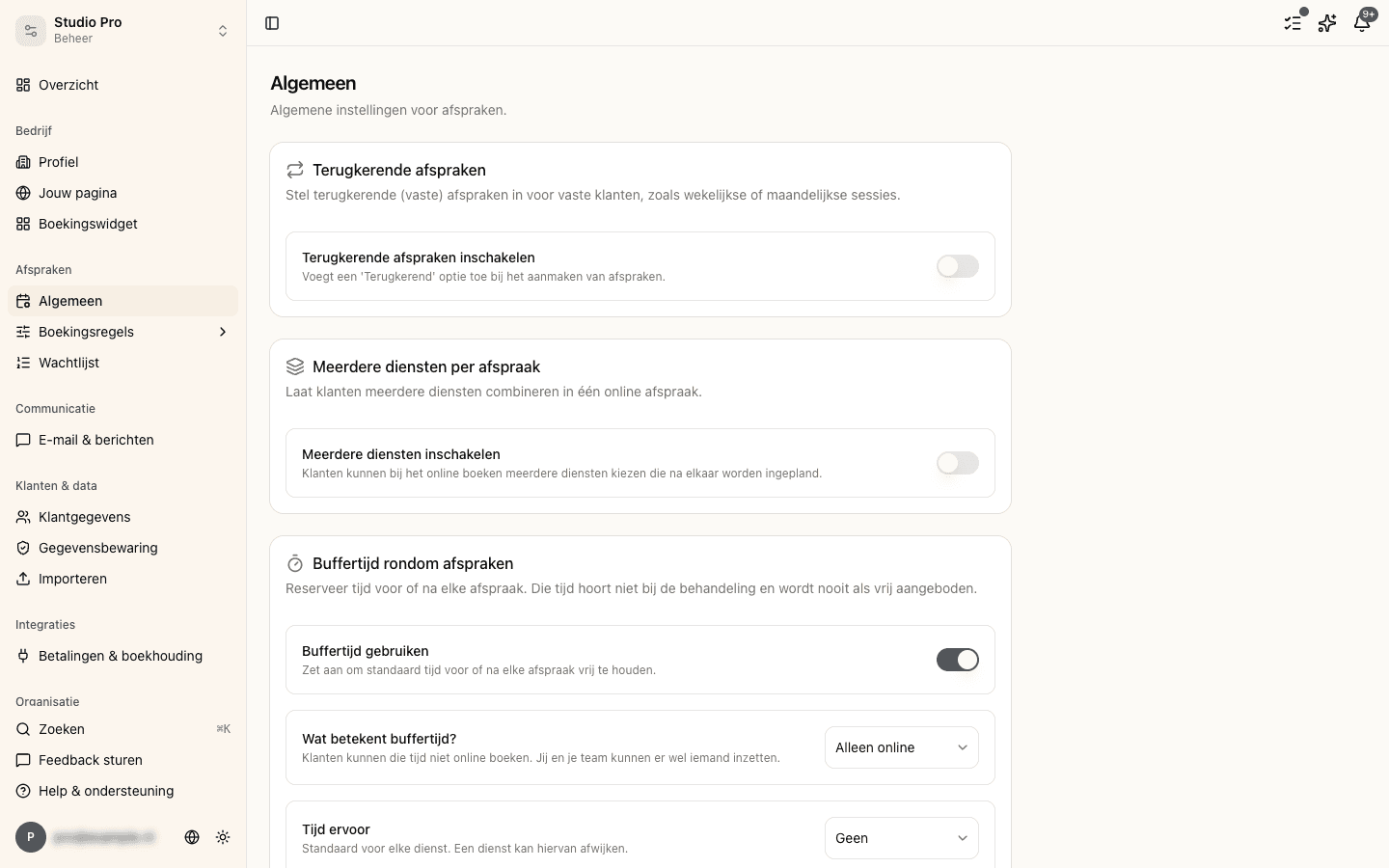
You can set turnaround time: a number of minutes before and after an appointment. You can do that for your whole business, and per service, where the service takes precedence over the business.
We do not add them up
If there is ten minutes of clean-up after a colour and five minutes of preparation before a cut, then there is ten minutes between those two appointments, not fifteen. The longer of the two wins.
That is a deliberate choice. Somebody who wants ten minutes of space and sets it as two halves would otherwise lose a quarter of an hour, and with it a slot they never gave away.
What it does not close off
Turnaround time sits between two appointments, and between nothing else. Not between an appointment and the start of your day, not between an appointment and your break, and not between an appointment and closing time. Otherwise the first and last slot of every day would disappear.
On a service with processing time, a colour with developing time say, the turnaround hangs on the outside of the whole visit. The developing time itself stays bookable for somebody else, because that is what that time is for.
Booking in it yourself, or not
By default turnaround time is advice: nobody can book into it online, but you at the counter can. If you want it closed for yourself too, you switch that over under Management > Appointments. In both cases the calendar draws the reserved minutes in faintly, so nobody mistakes them for empty space.