
What are in-app notifications?
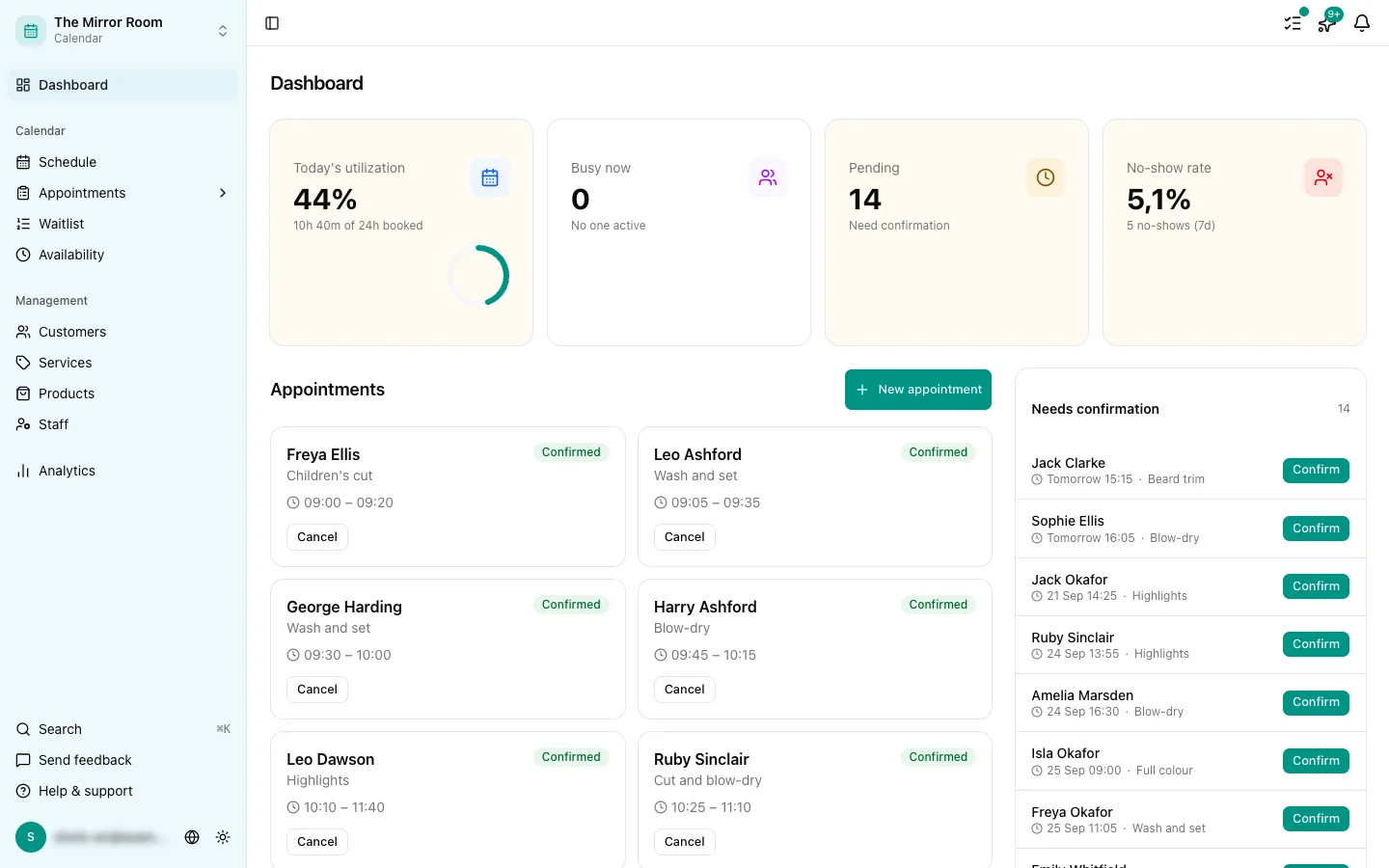
The bell in the top right of the dashboard shows what has happened in your salon:
- A new appointment was booked
- An appointment was cancelled
- An appointment was moved
Who gets which notifications?
- Employees are notified only about appointments they are assigned to.
- Owners and admins are notified about every appointment in the business, by default.
Changing the "all notifications" setting
As an owner or admin you can choose to be notified only about appointments you are personally assigned to.
Go to Settings > Notifications and switch Notify me about every appointment off.
Marking notifications as read
- Click a notification to go to the appointment it is about. That marks it as read.
- Use Mark all as read at the top of the notification panel to clear them all at once.
Seeing every notification
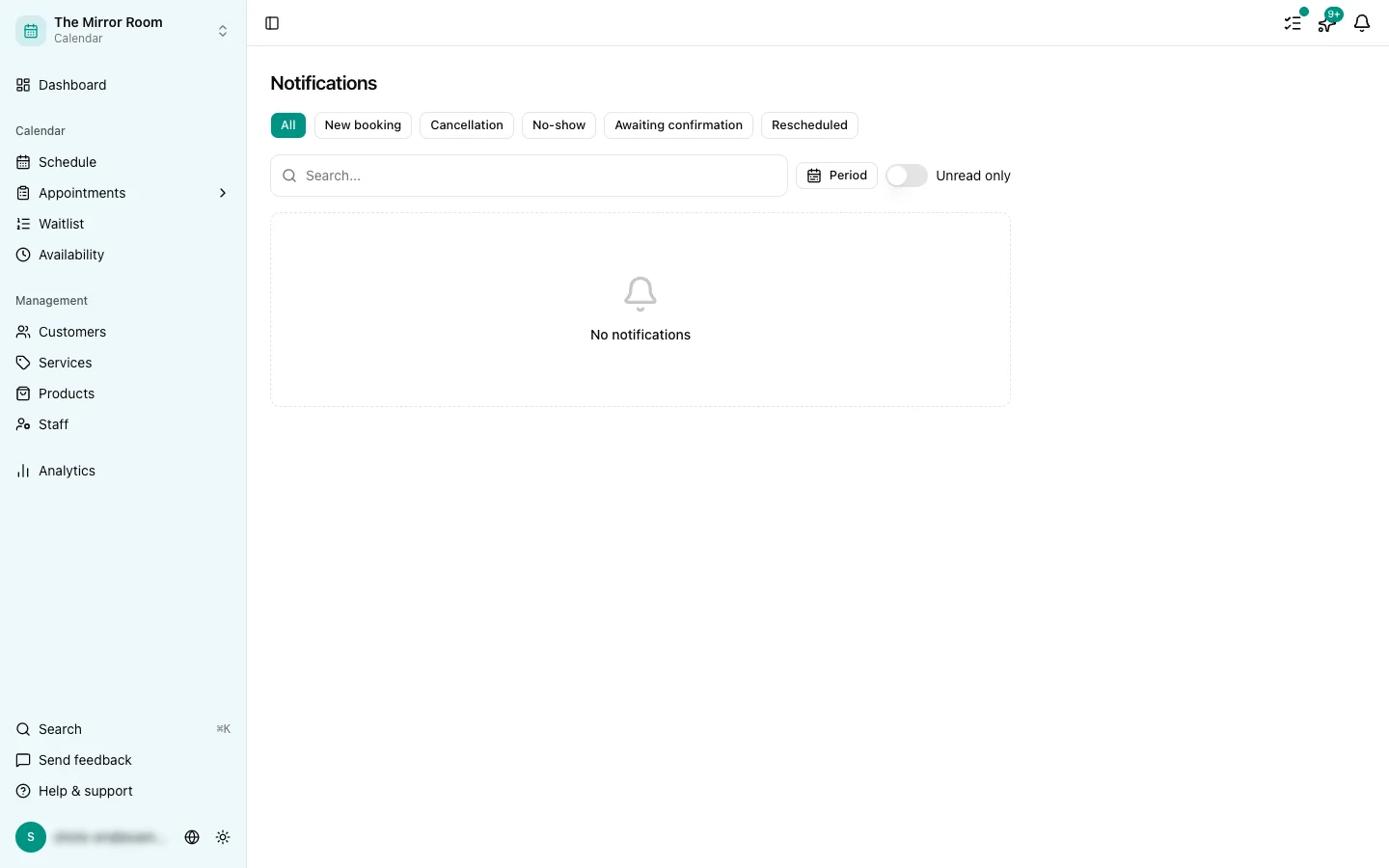
Notifications in the sidebar gives you the full list, with filters by type and status.
Browser push notifications
Besides in-app notifications, Stippa can send browser push notifications, which reach you even with the tab closed. Switch them on under Settings > Notifications > Push notifications.